Blocks
Production-ready Pro blocks for React, built on SevenUI primitives: app dashboards, auth, marketing sections, AI chat, and storefronts. 119 blocks in 20 categories.
Every block here is Pro. One purchase, yours forever —$99 at launch instead of $249. How to install
Get Pro — $99Blocks for product interfaces: dashboards, sign-in flows, app shells, profiles, account settings, stats, and the empty states in between.
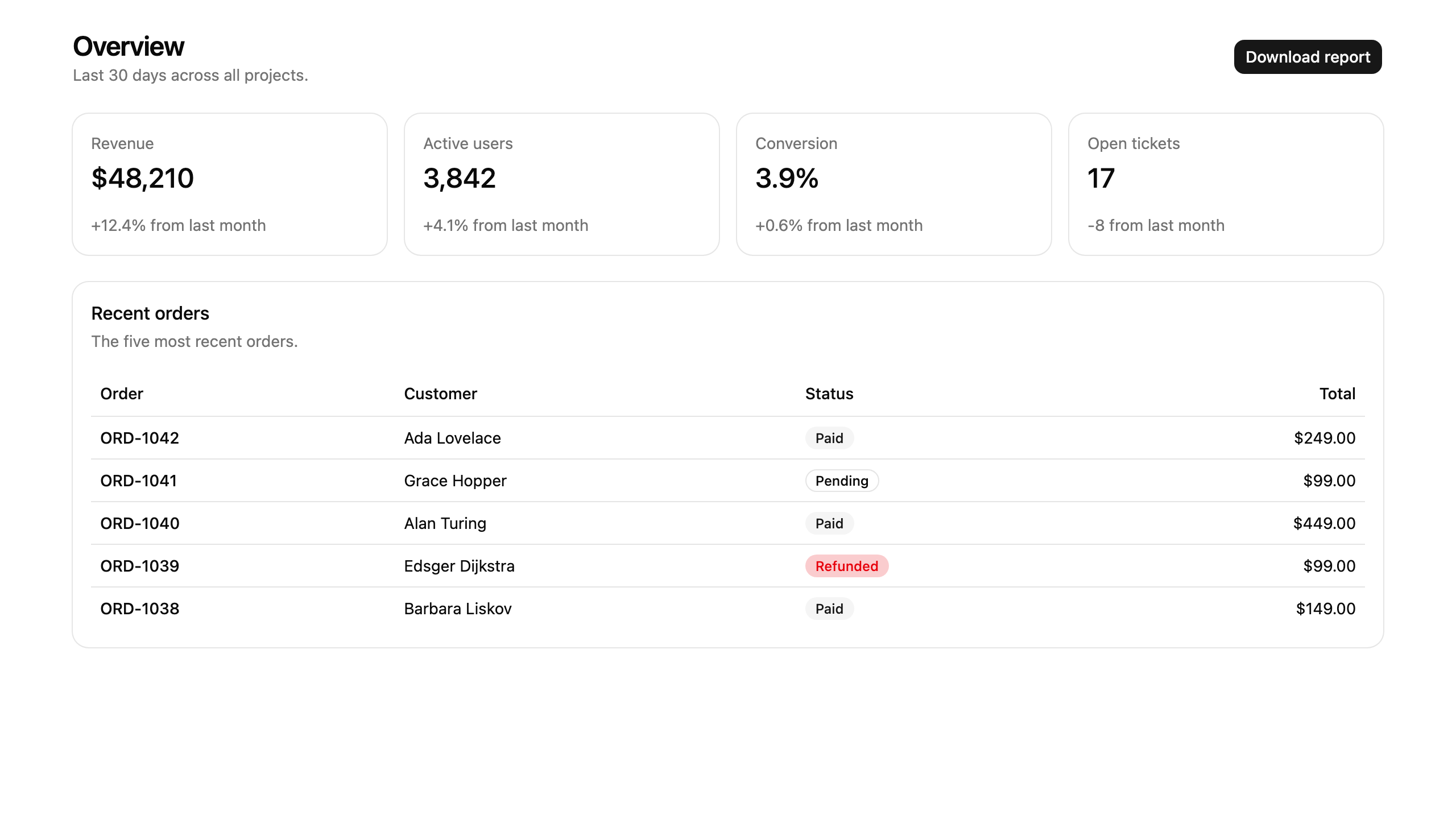
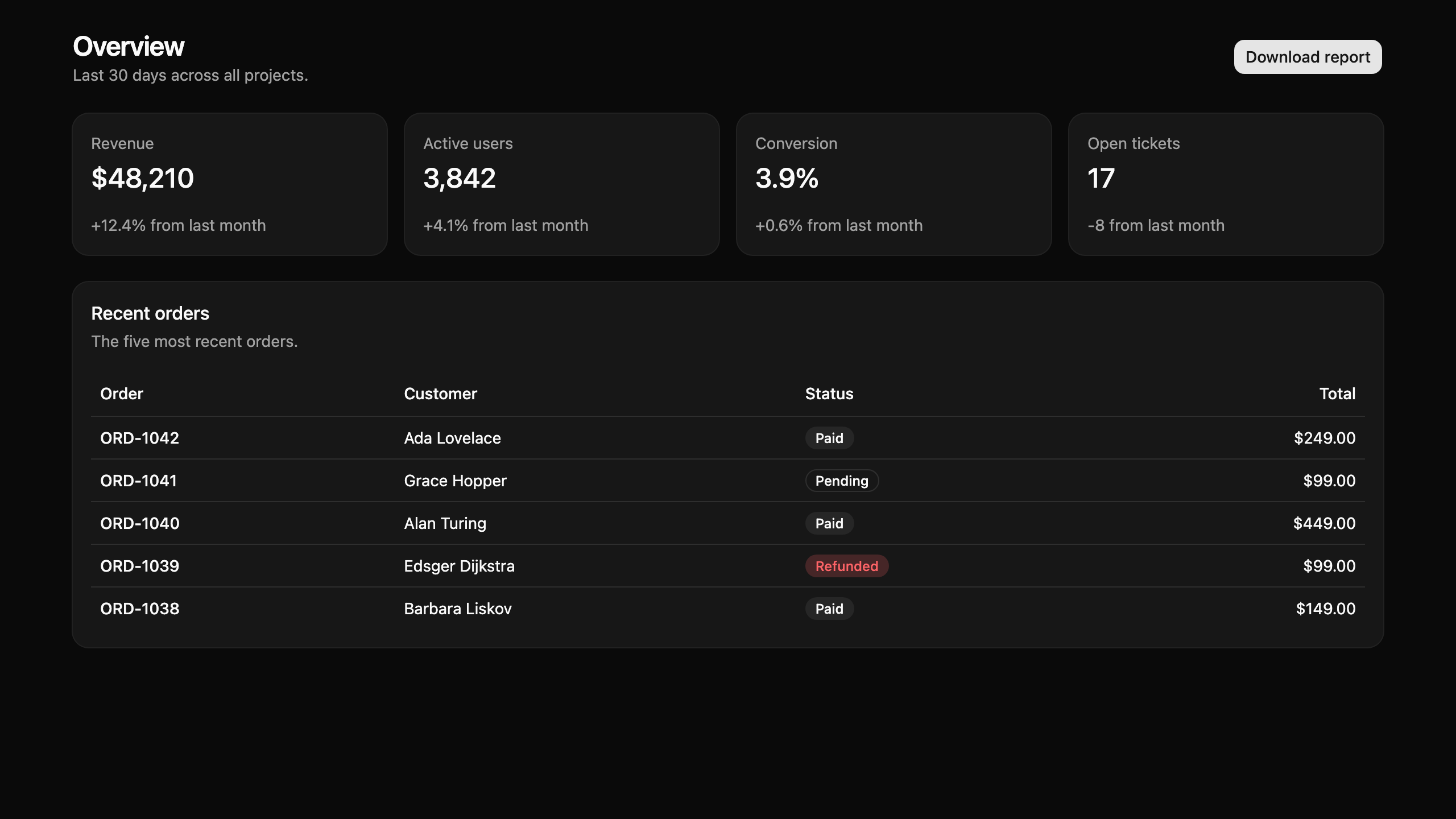
Dashboard
5 blocksOperational overviews and stat surfaces: revenue and KPI dashboards, incident queues, monthly statements, and master/detail desks with charts and tables.
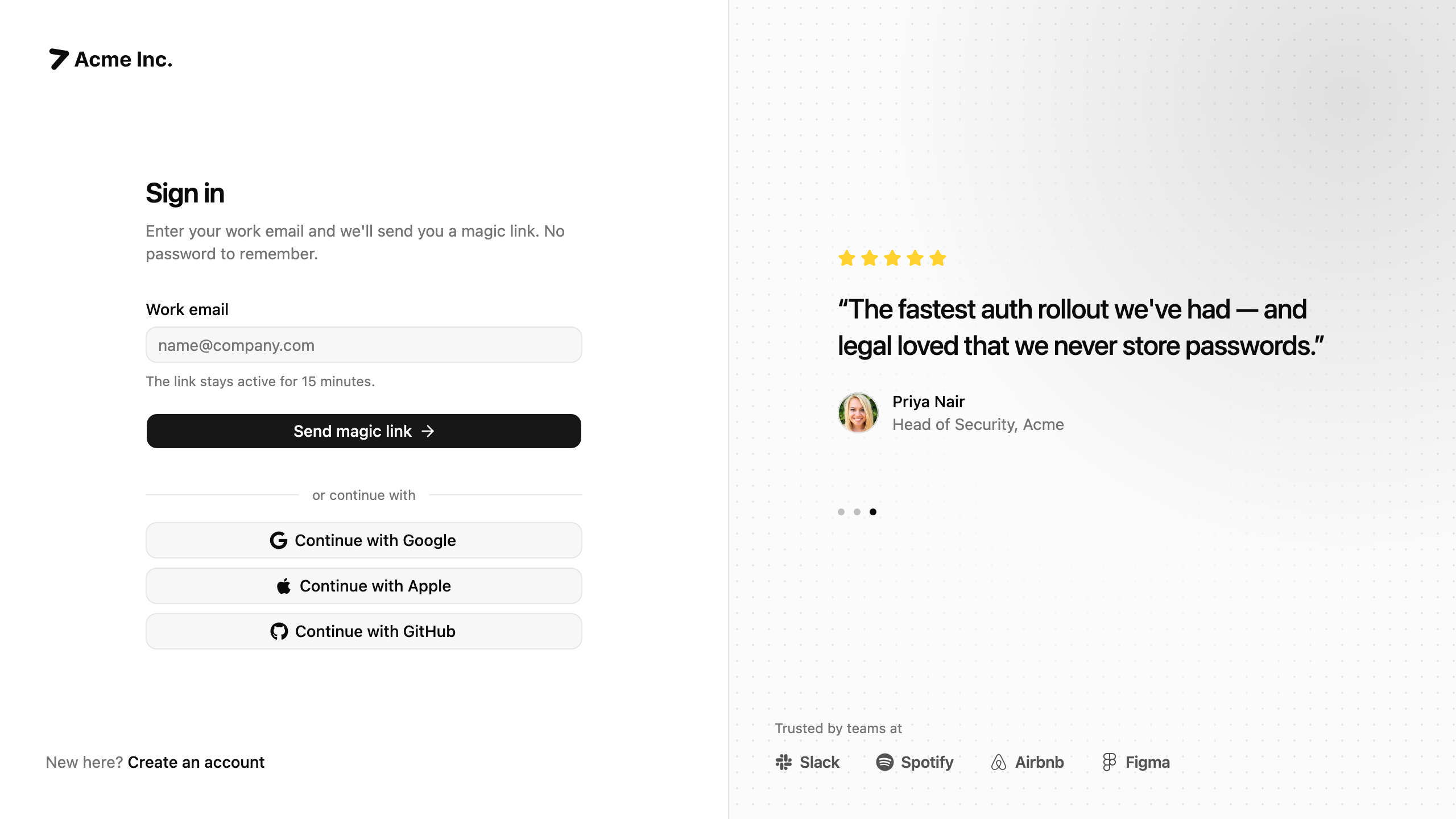
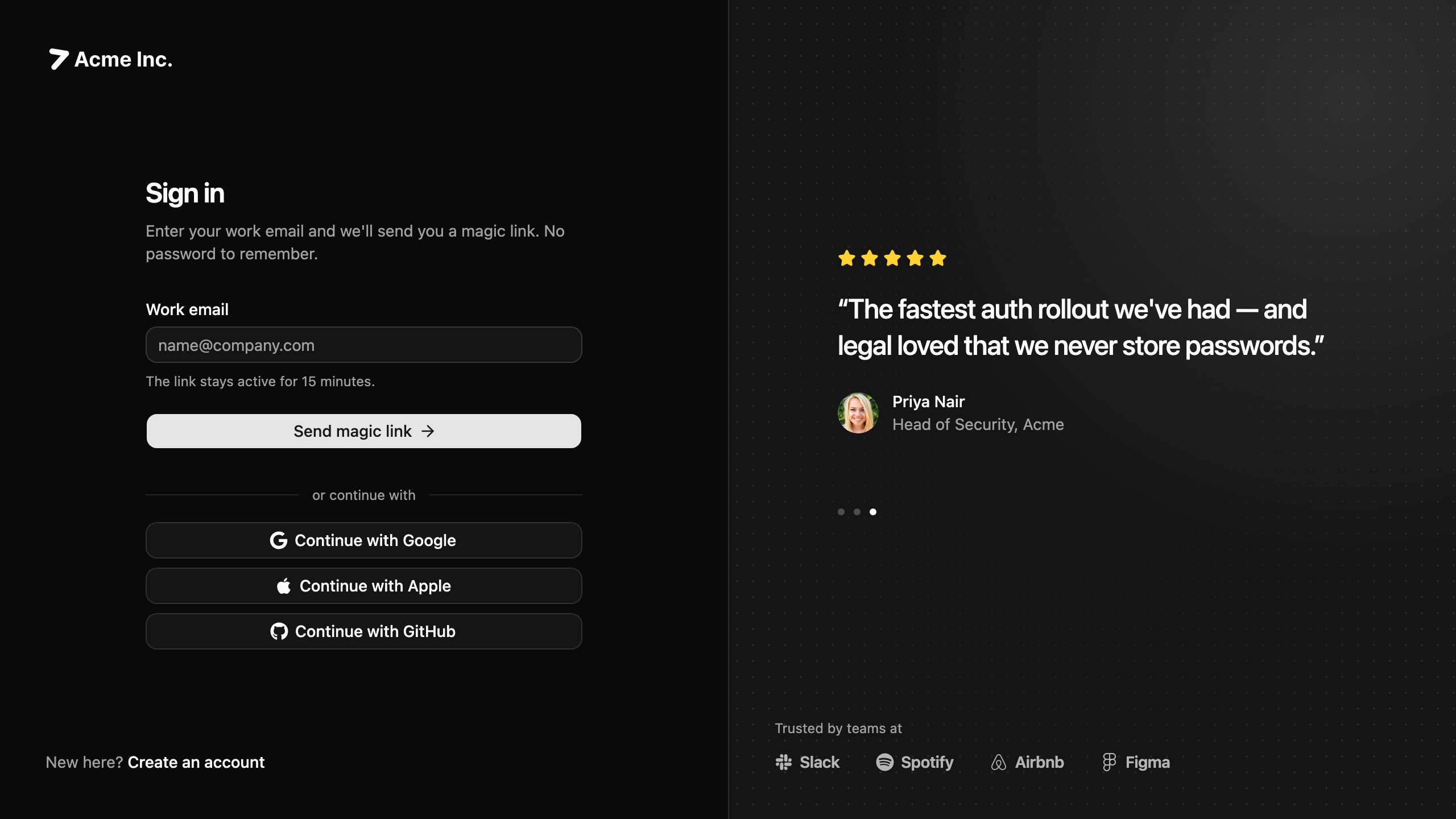
Auth
3 blocksSign-in, sign-up, and account access flows: email and password, magic links, social providers, SSO-first sign-in, and password reset screens.
Profile
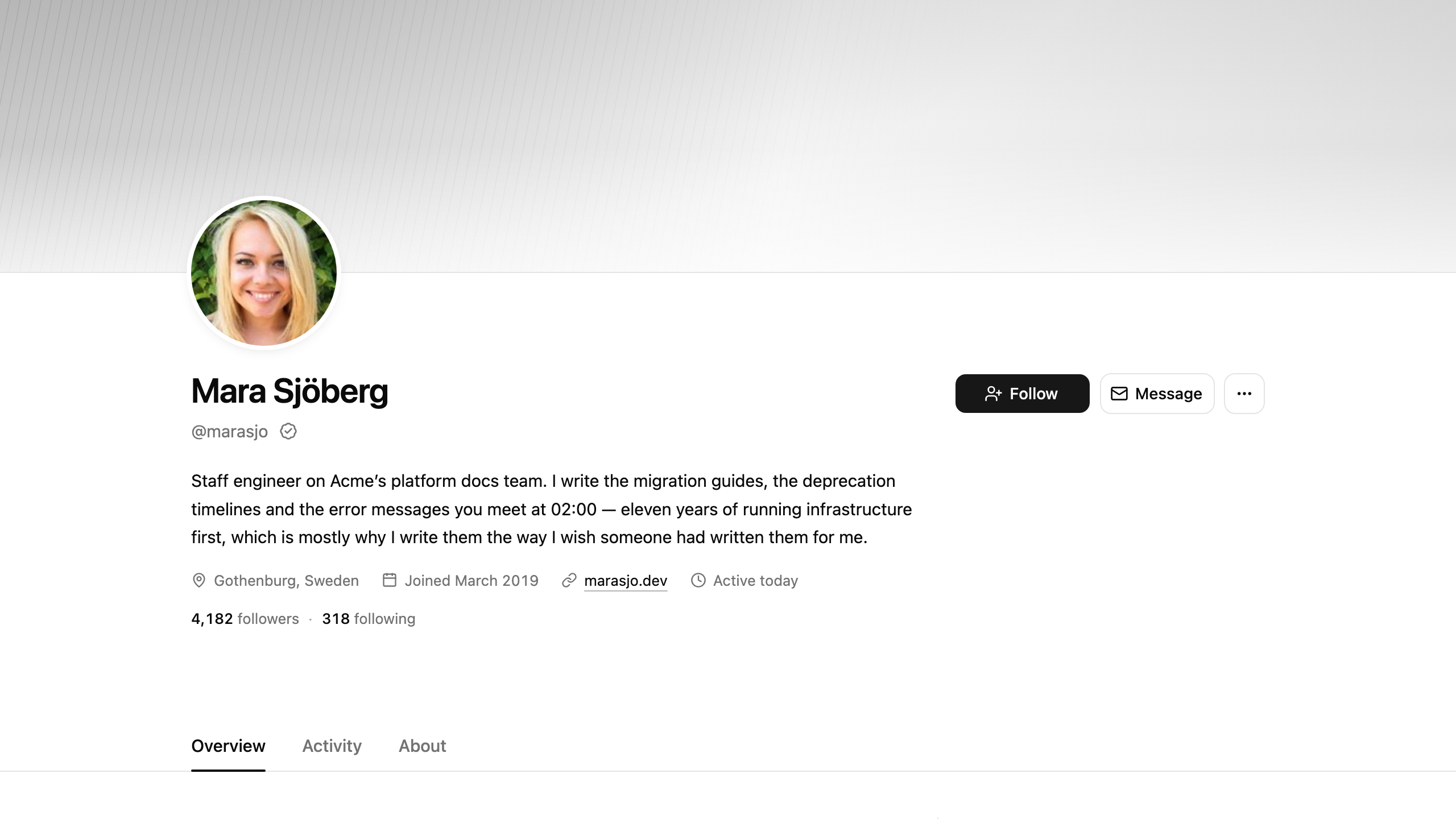
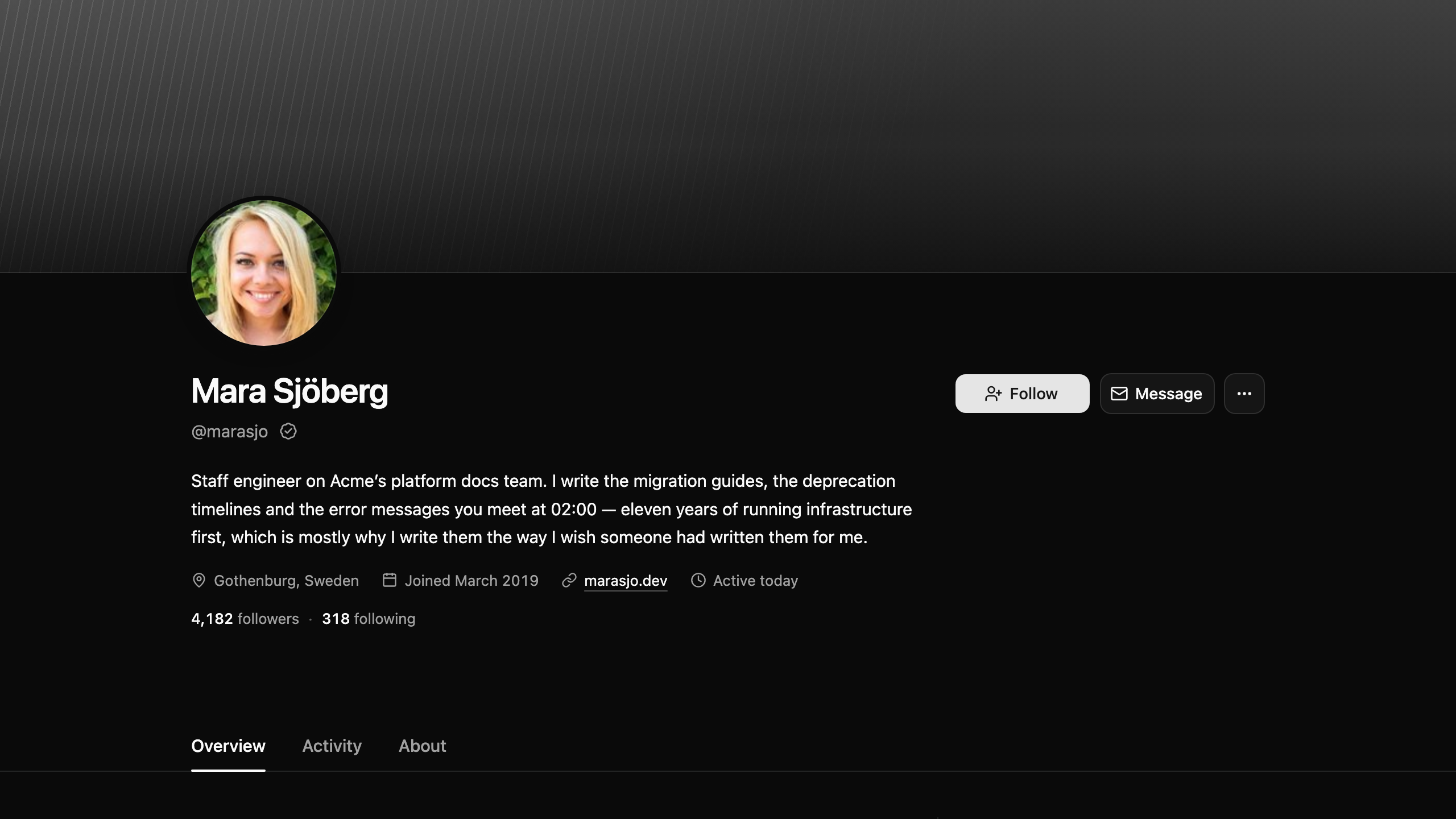
4 blocksIdentity surfaces that present a person to everyone else: profile pages with covers and tabs, contact cards, activity records, and archival registers.
Account
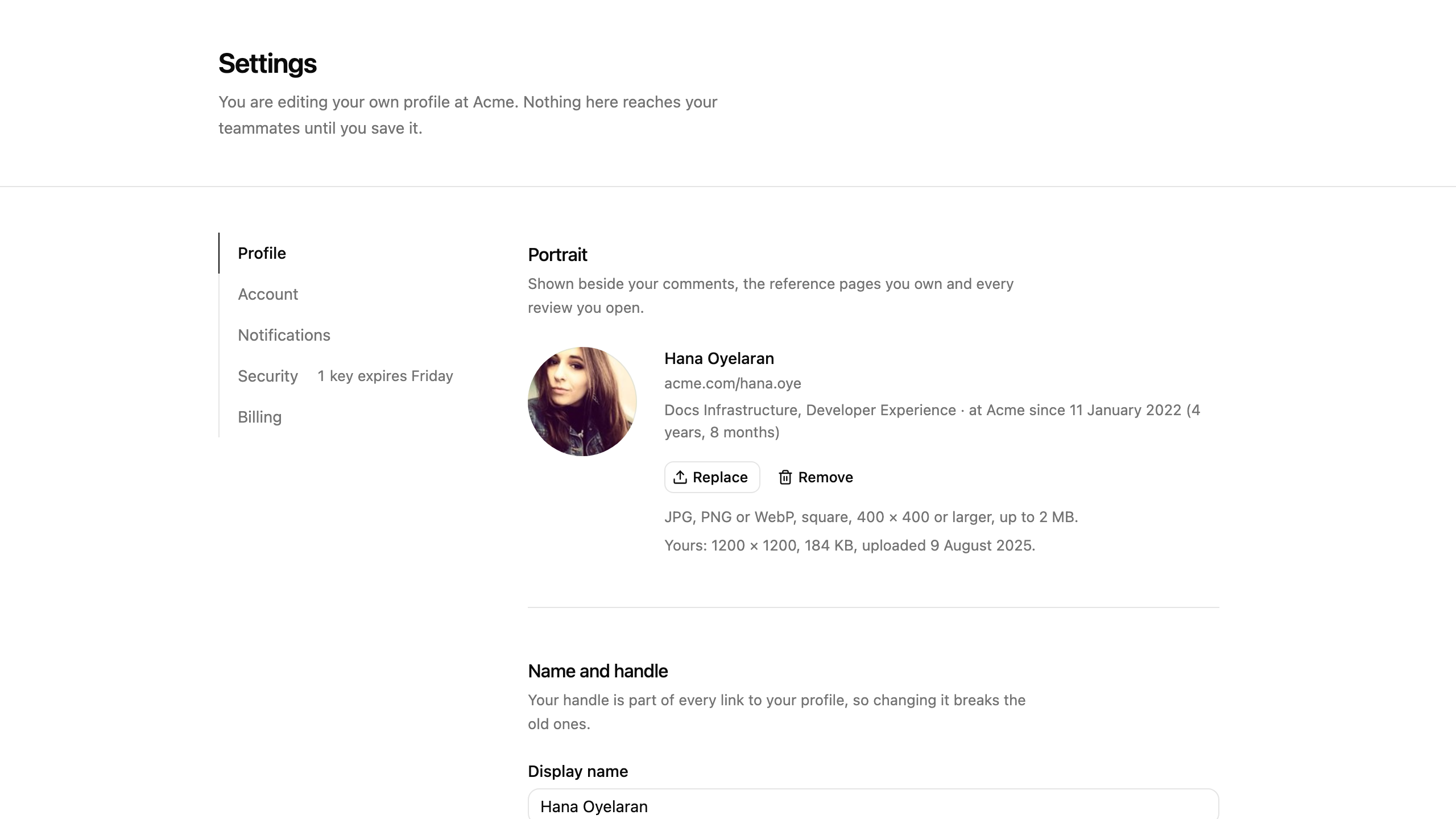
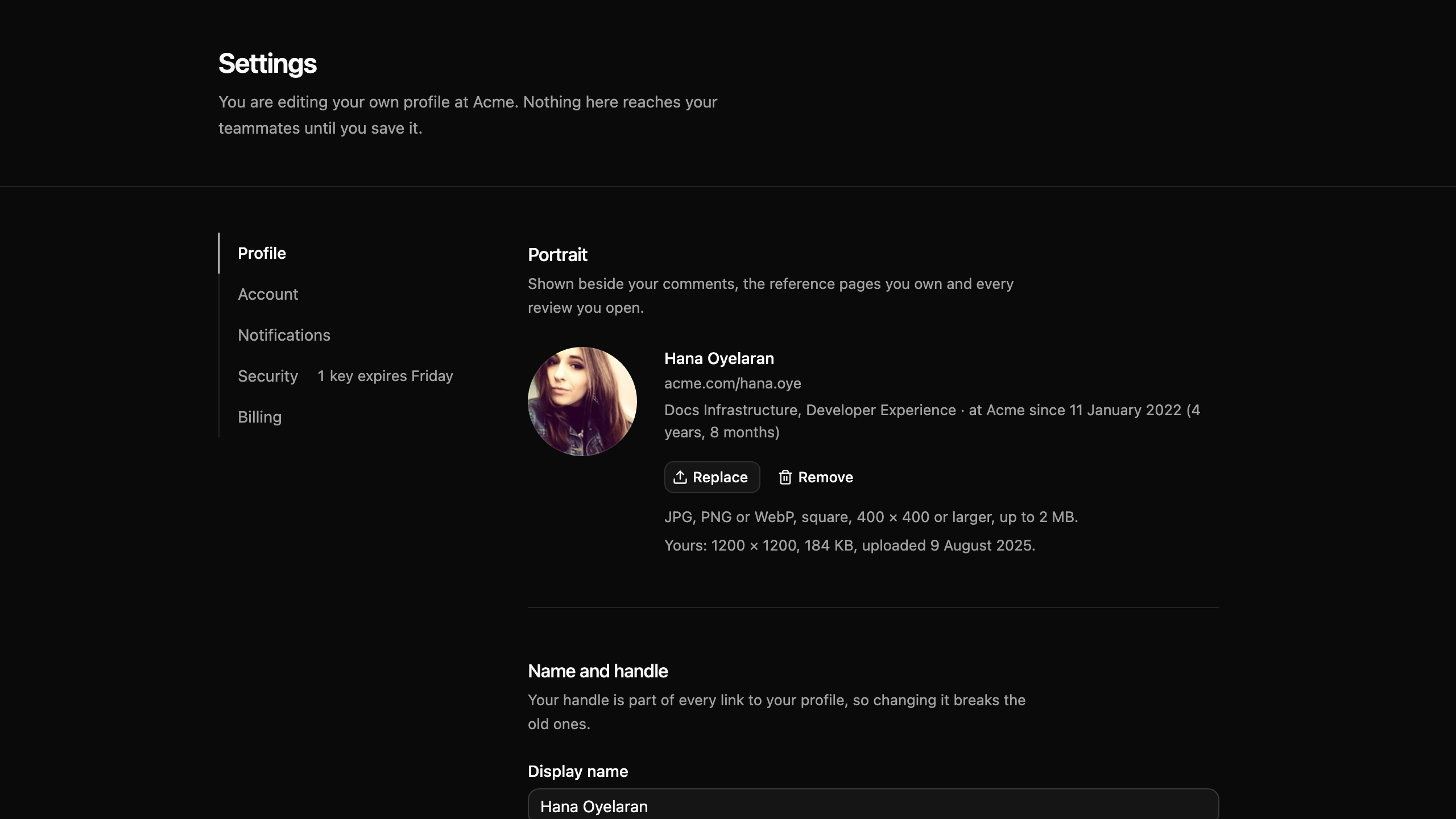
2 blocksSelf-service surfaces for your own identity and account state: a profile editor with a save bar that names what changed, and a visibility-aware account card.
App Shell
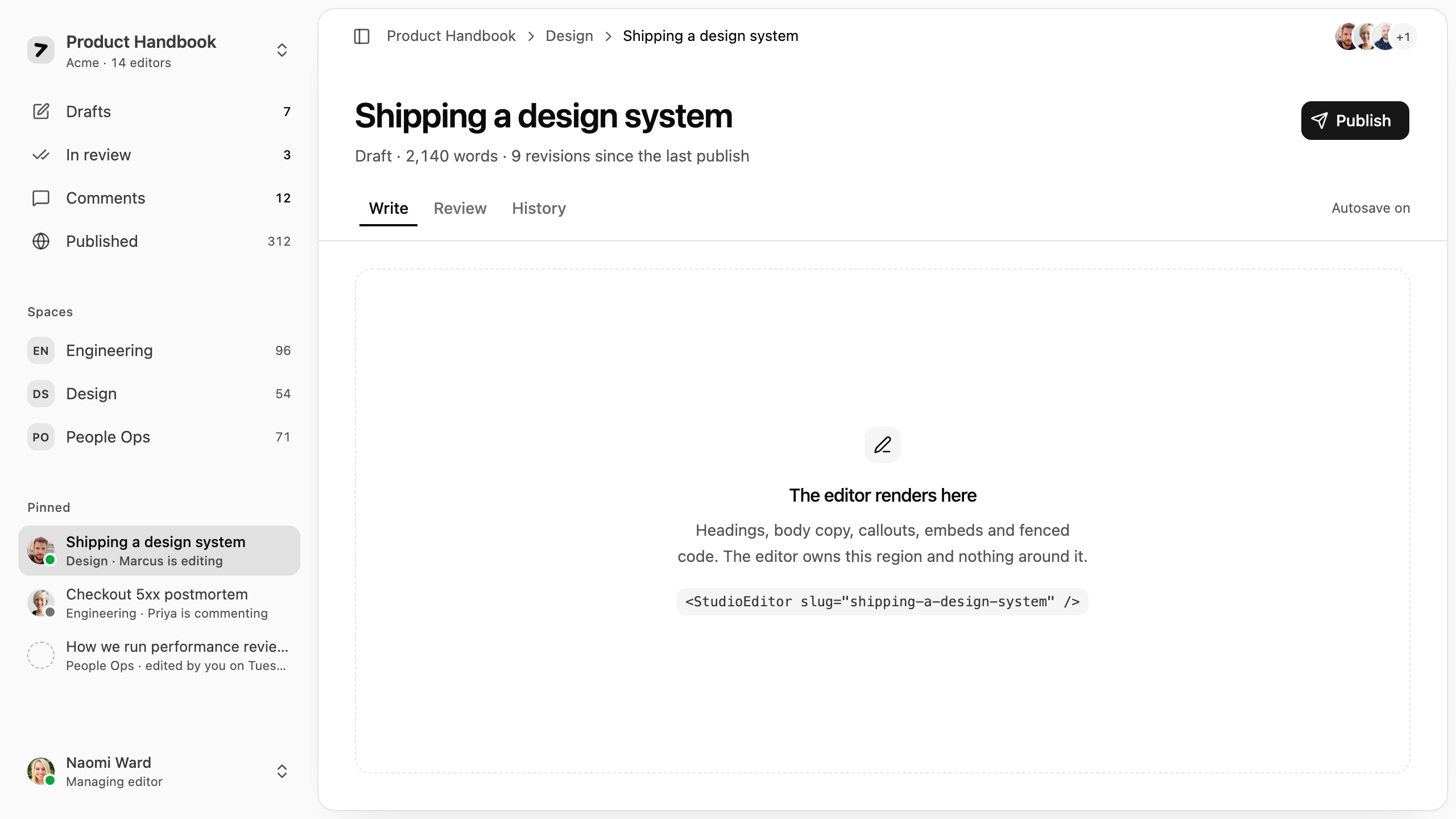
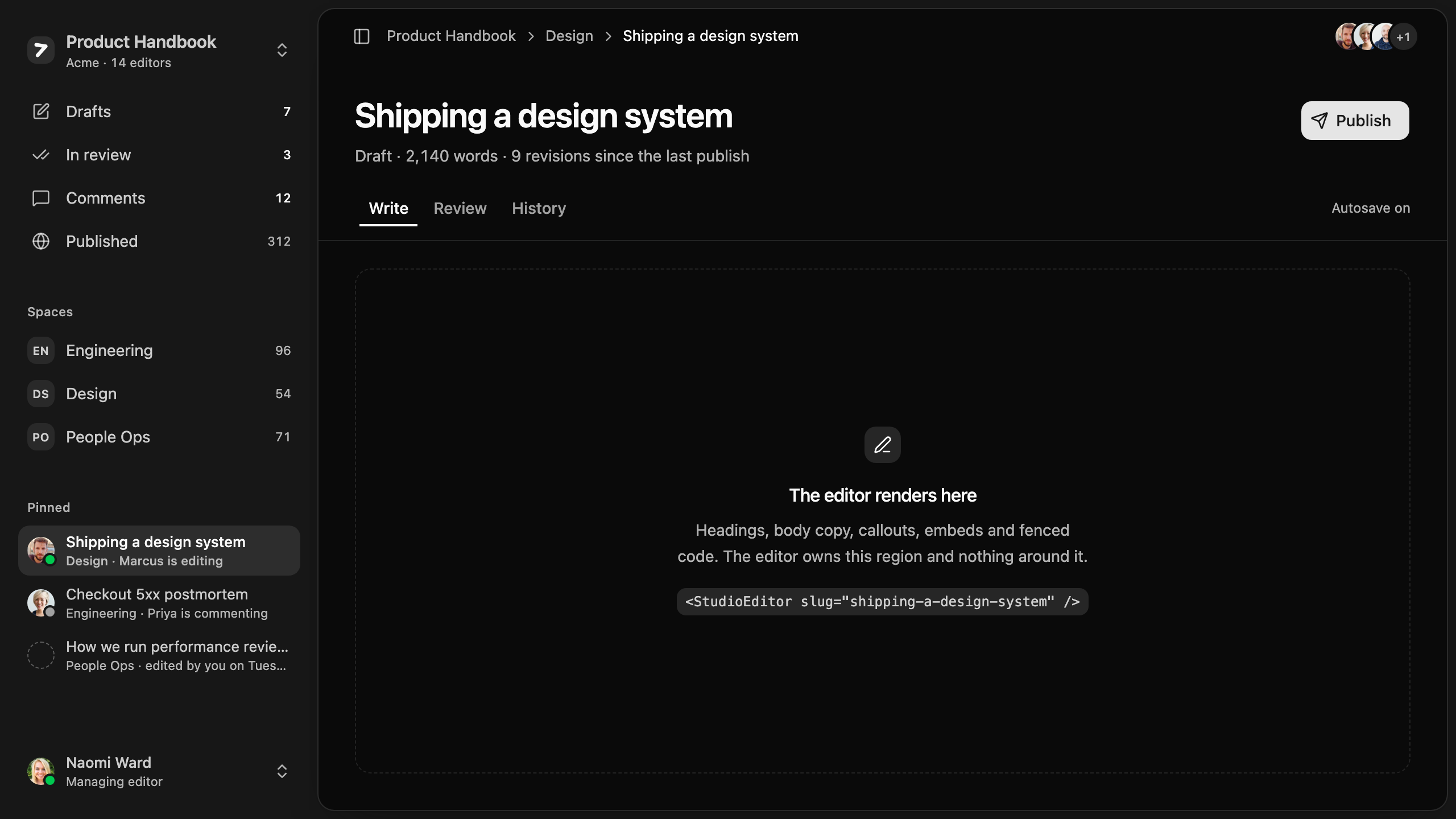
3 blocksSidebar-driven frames that hold a product's navigation, context, and account: documentation studios, support cockpits, and delivery consoles.
Empty State
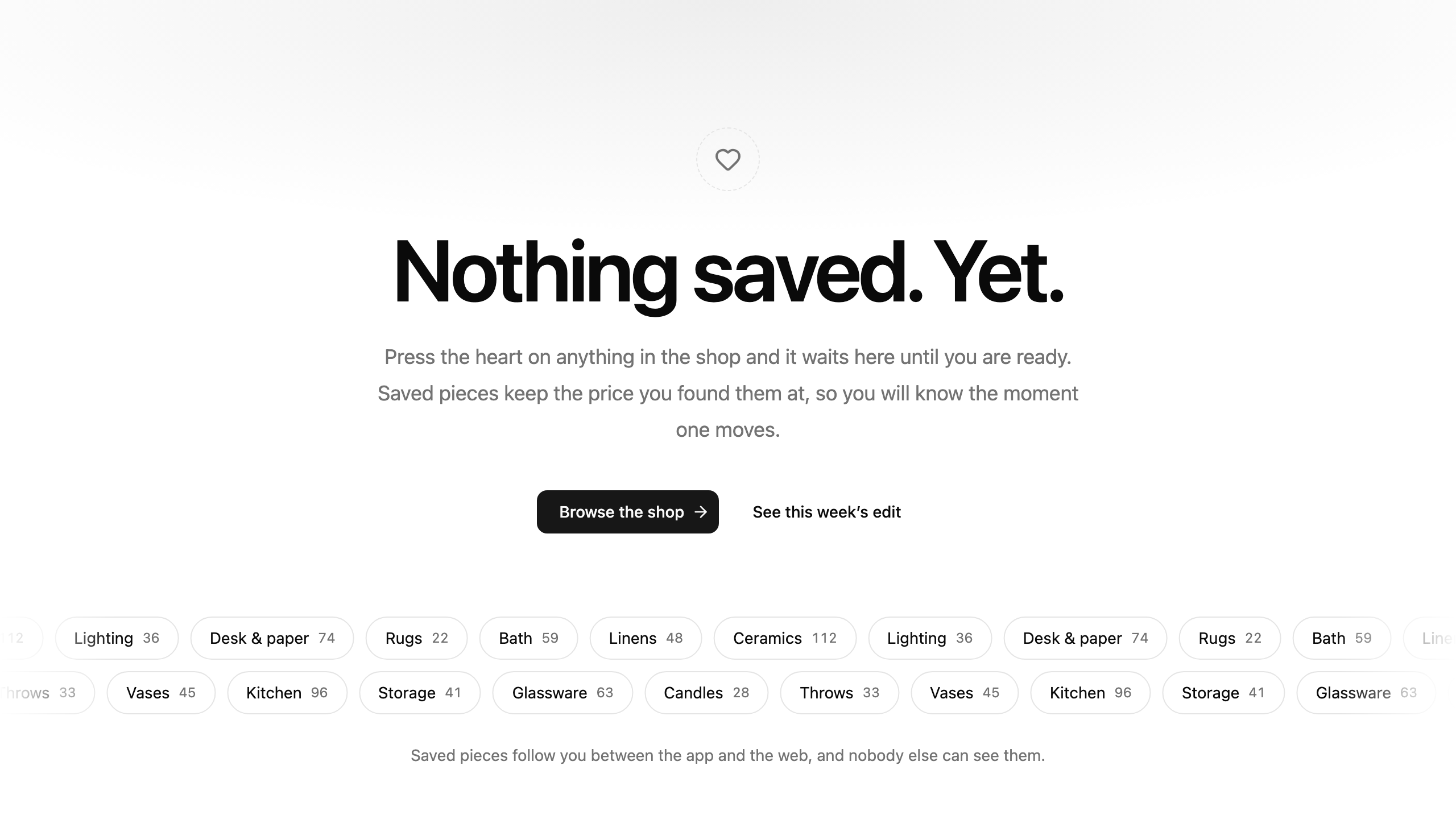
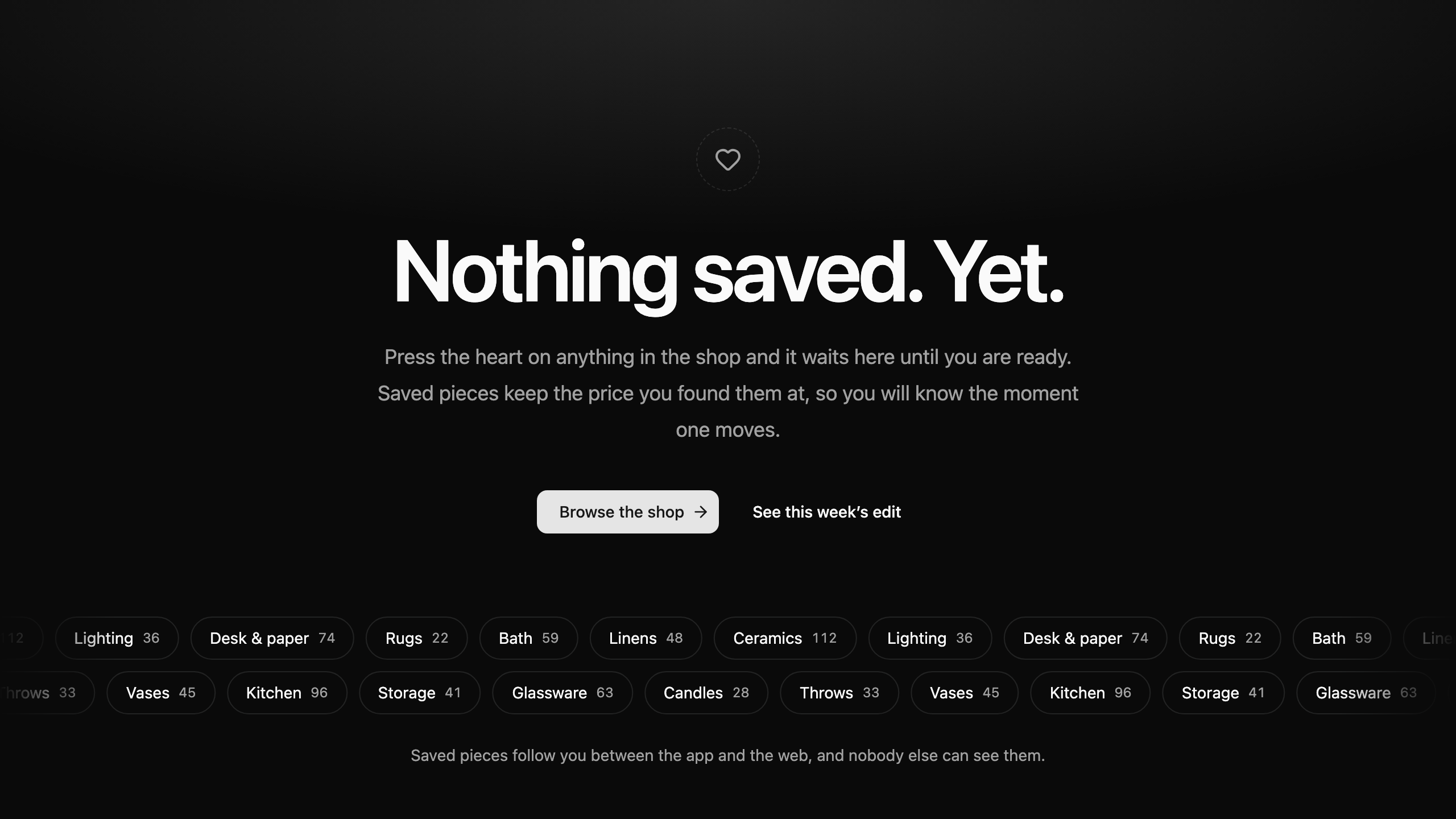
6 blocksWhat a table or a card grid shows before it holds a single record: first-run checklists, invite prompts, starter templates, and filtered-empty states.
Stats
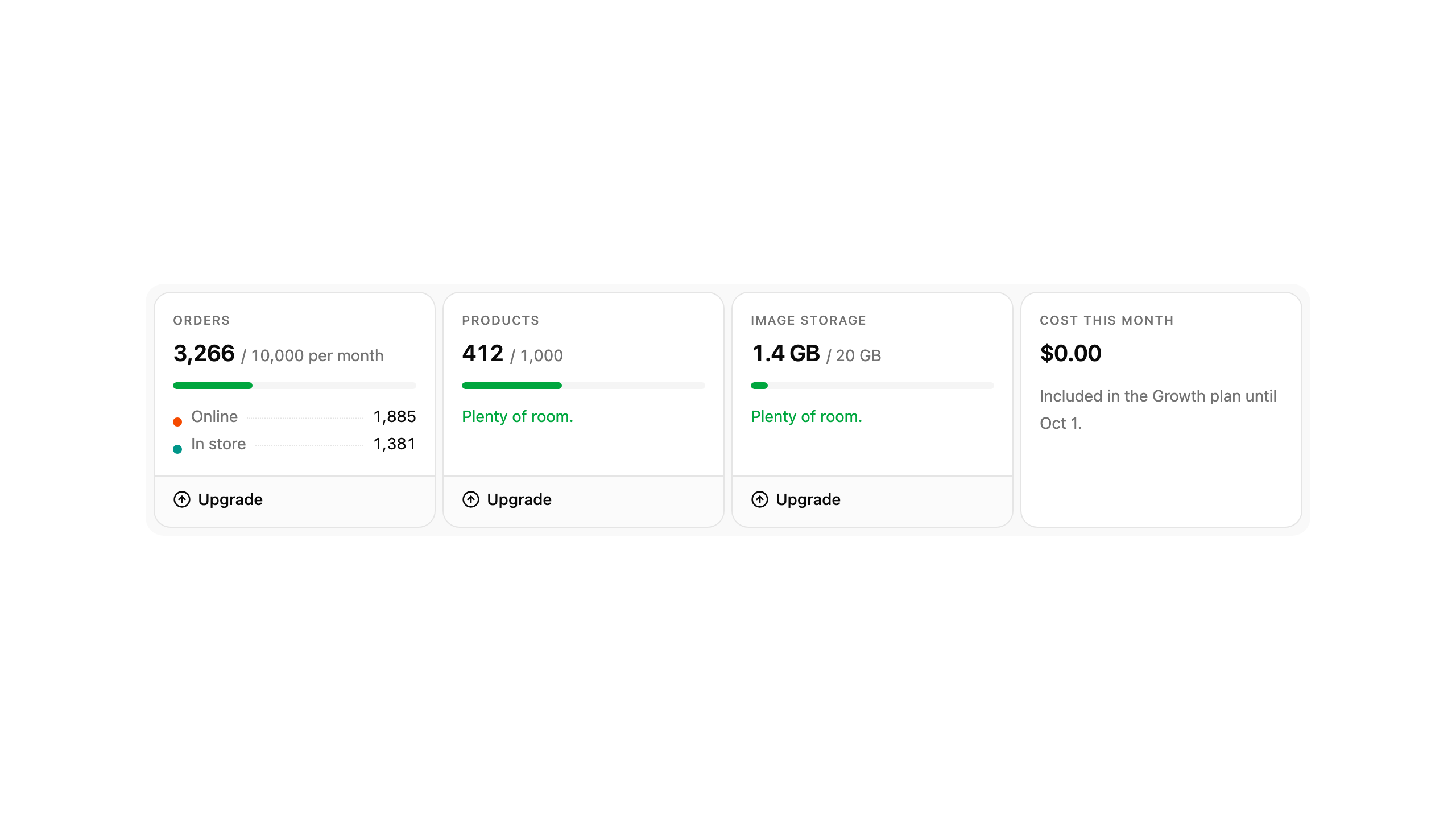
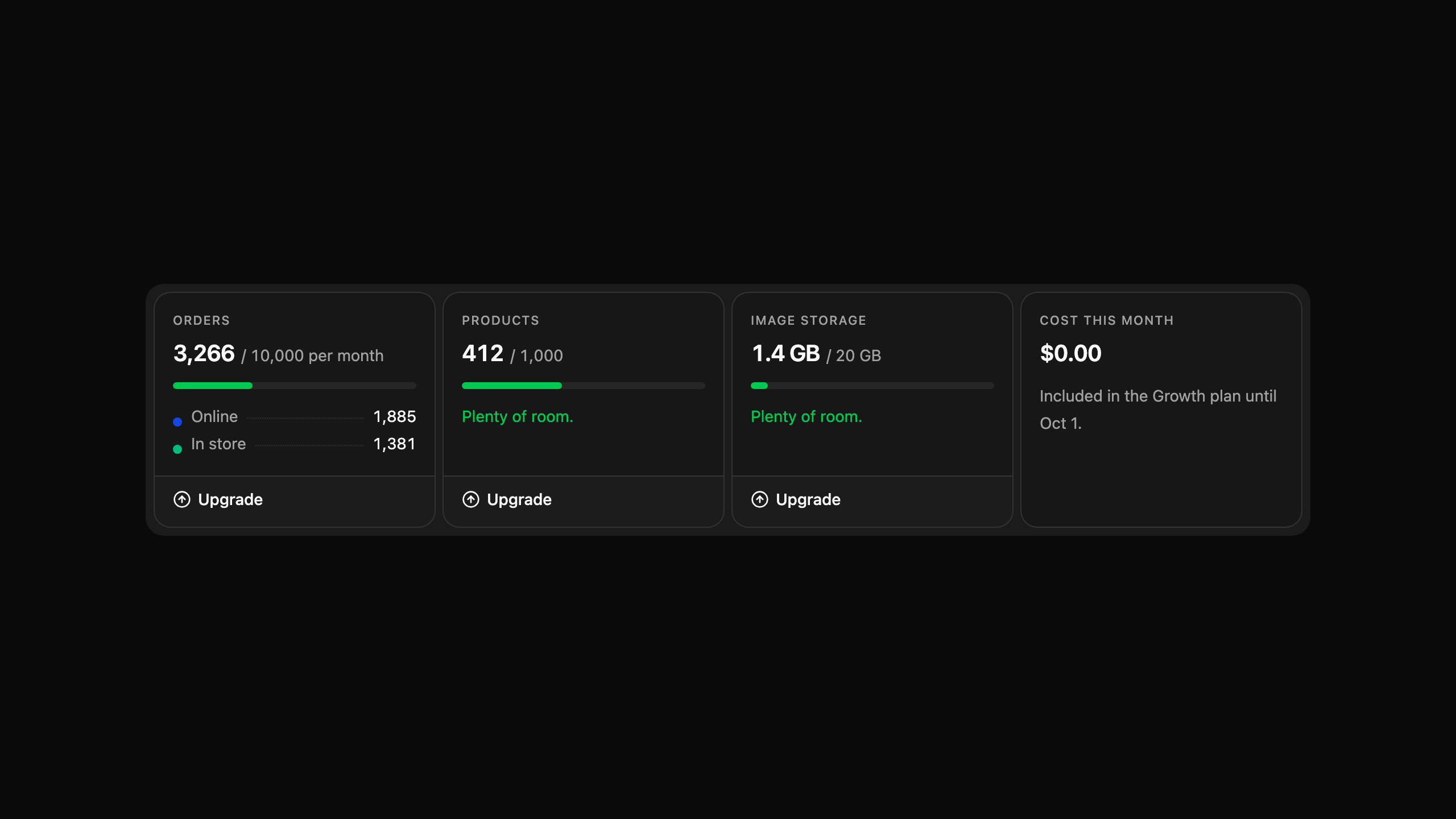
16 blocksA number given enough context to act on — a comparison, a ceiling, a history, a split or a target.
Blocks for landing pages and campaigns: heroes, headers, features, logo clouds, pricing, FAQs, calls to action, contact sections, and footers.
Logo Cloud
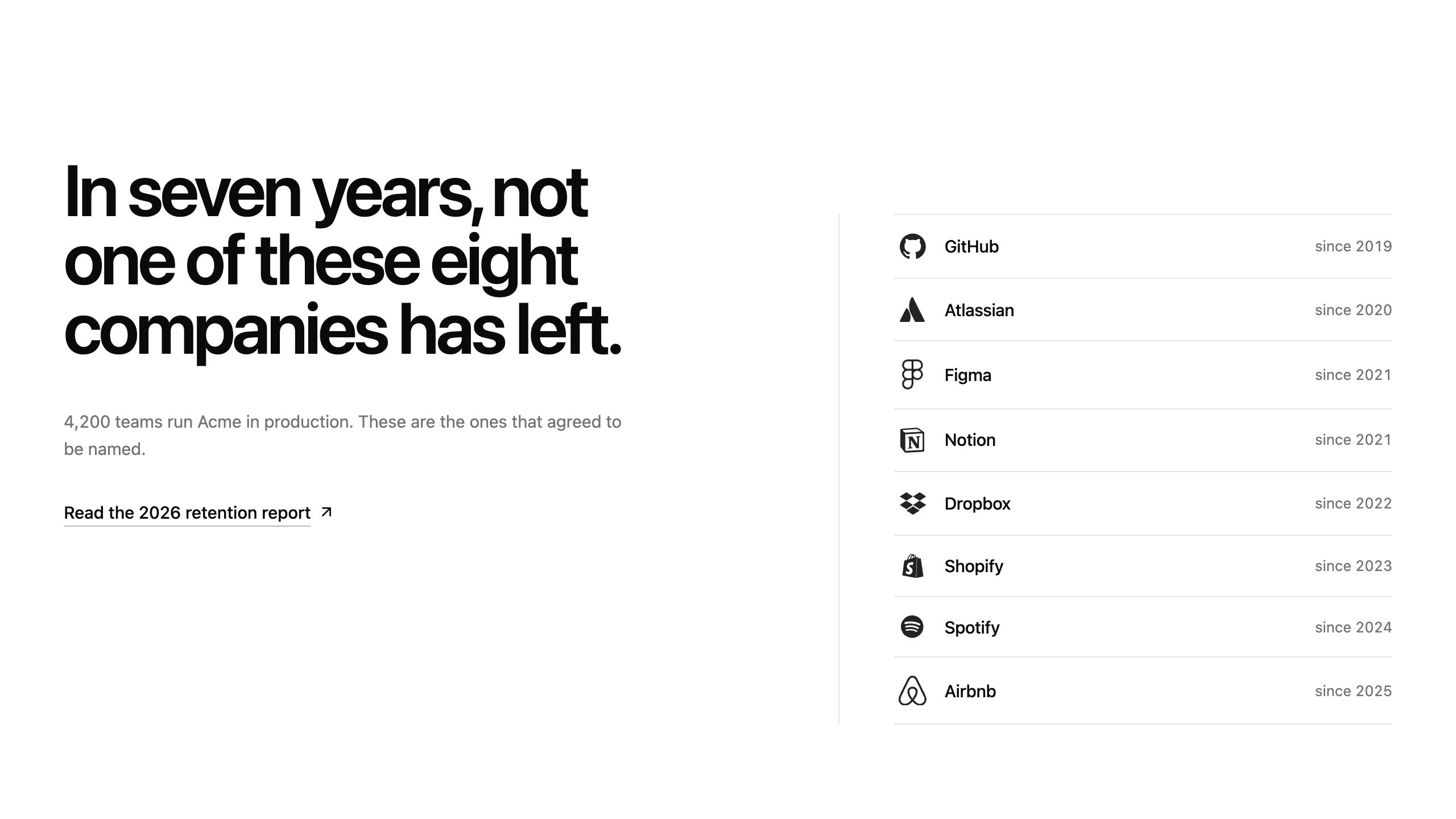
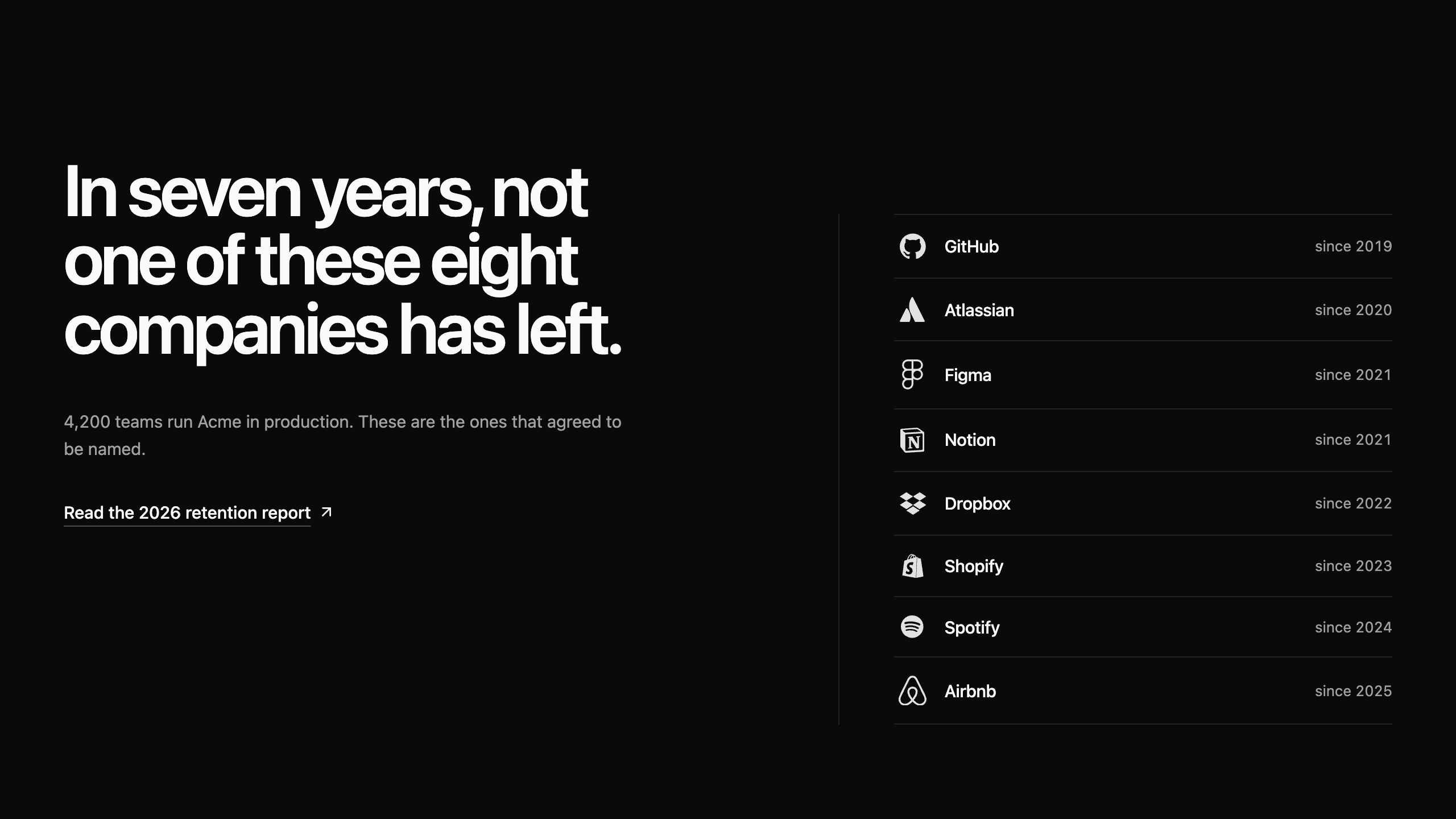
4 blocksCustomer logo sets that carry social proof: editorial citation splits, marquee bands, ruled customer registers, and selectable logo walls with results.
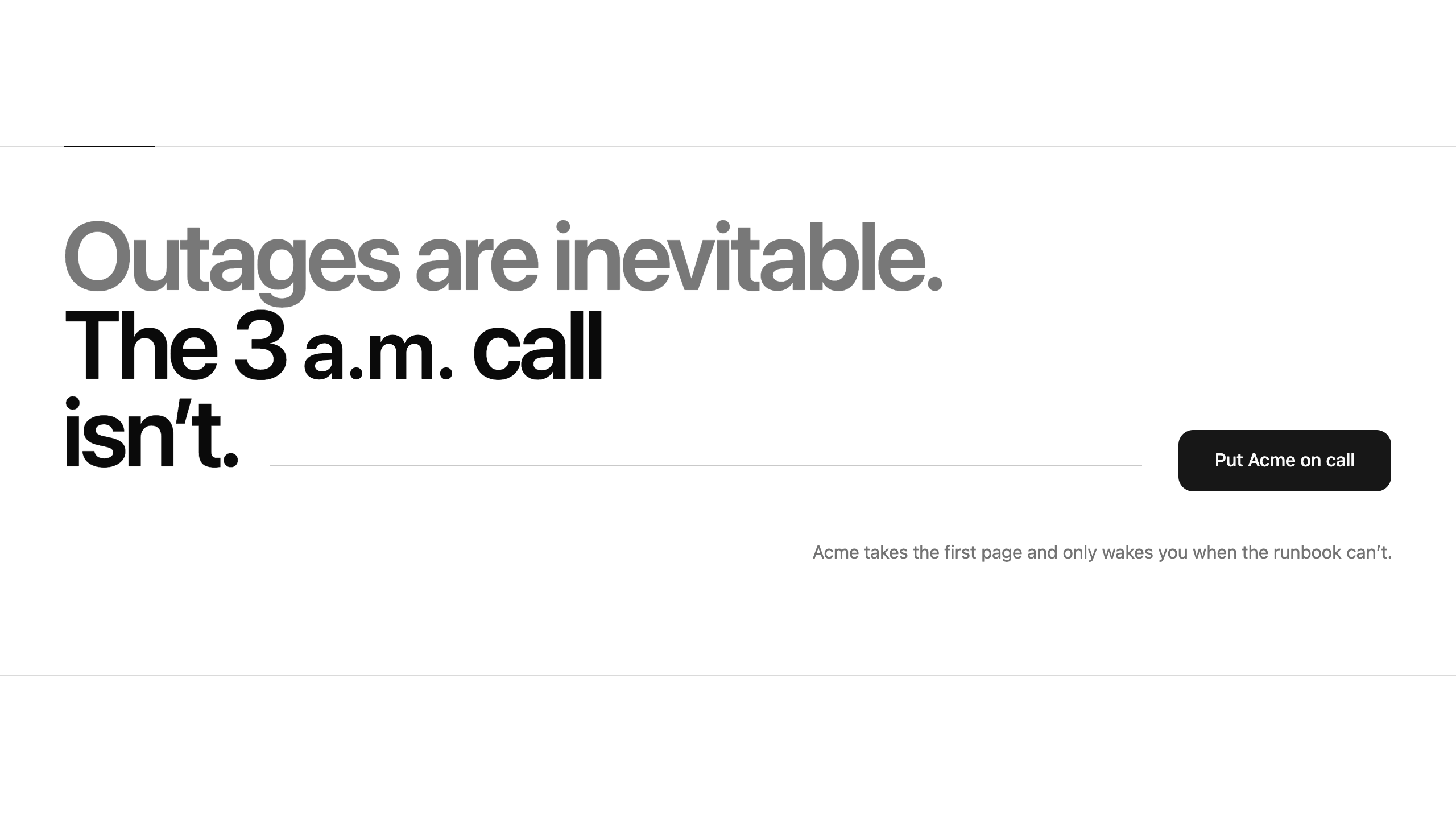
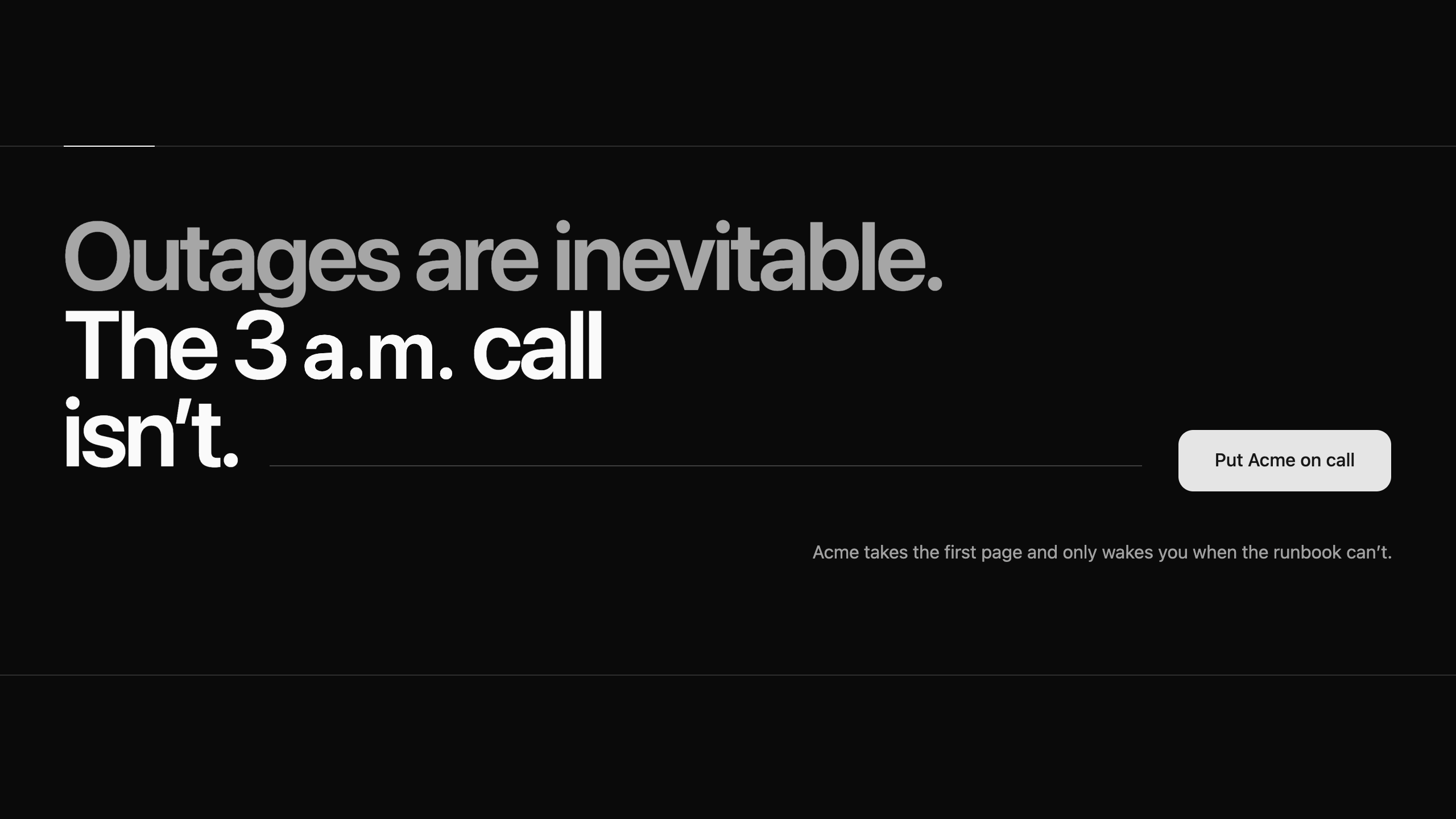
CTA
6 blocksClosing sections that turn intent into an action: billboard statements, single-field email capture, two-route forks, and copyable install commands.
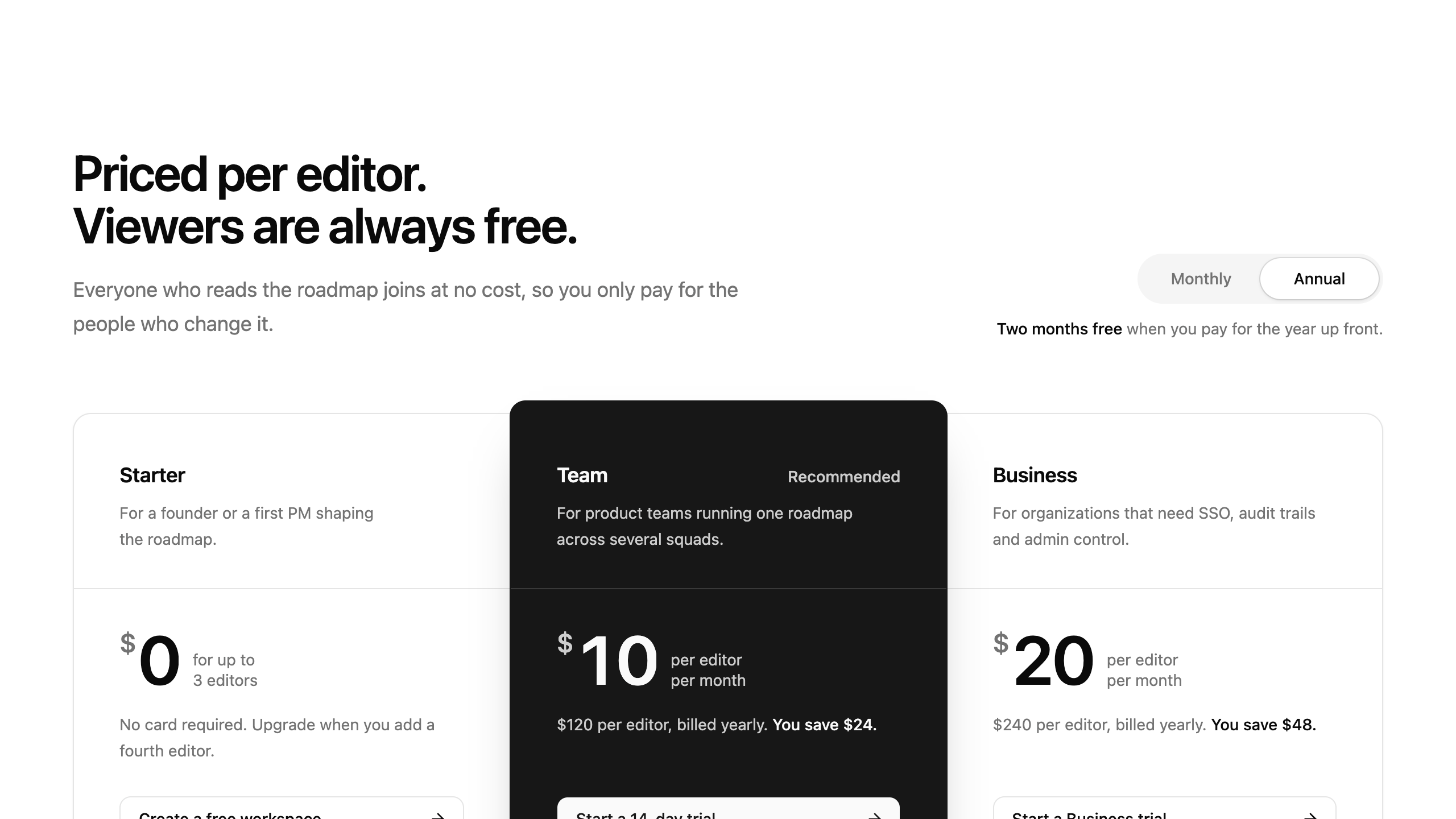
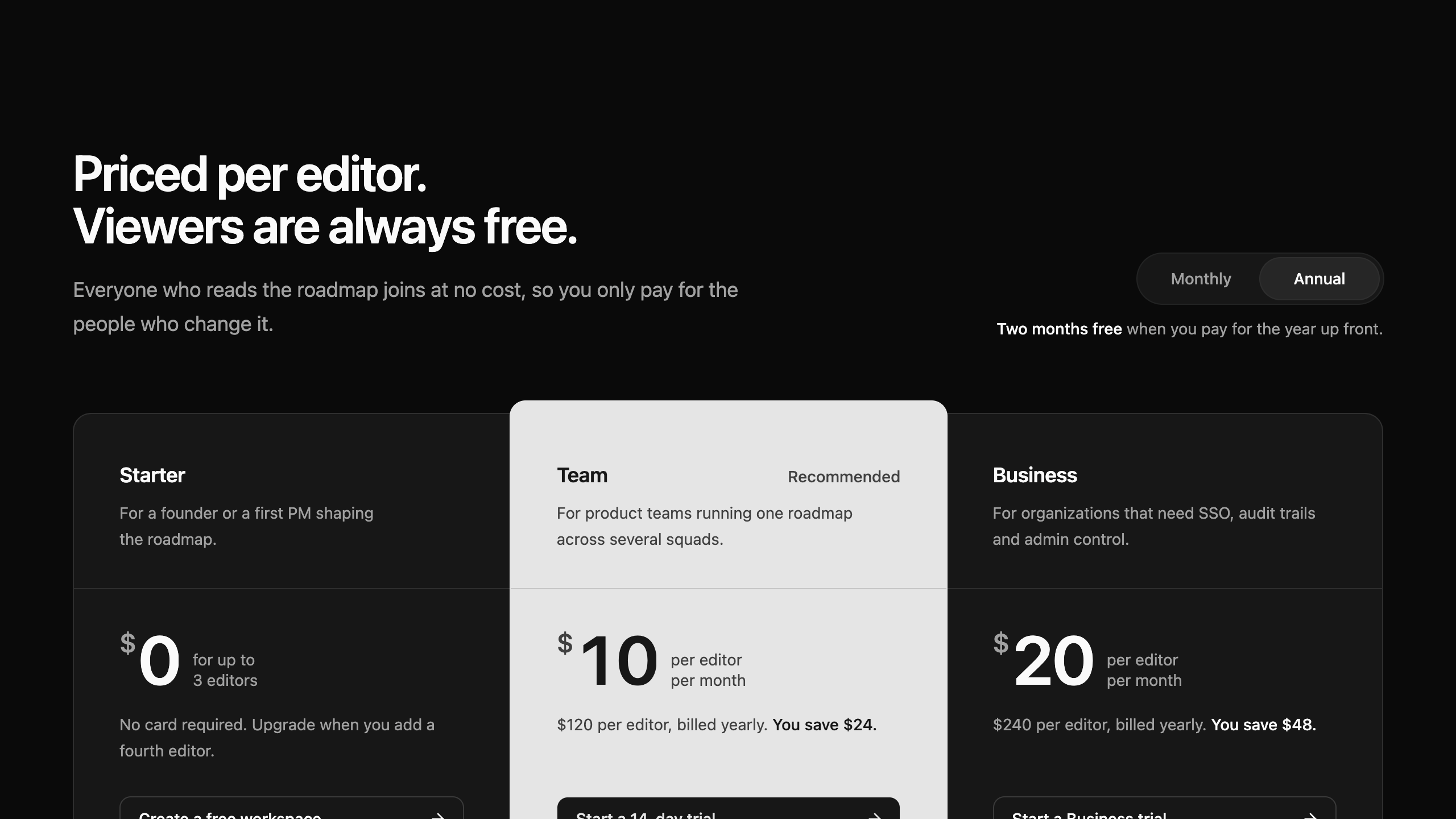
Pricing
5 blocksPlan and price surfaces that help a visitor choose a tier: tier sheets with a monthly/annual switch, comparison matrices, and usage-based calculators.
FAQ
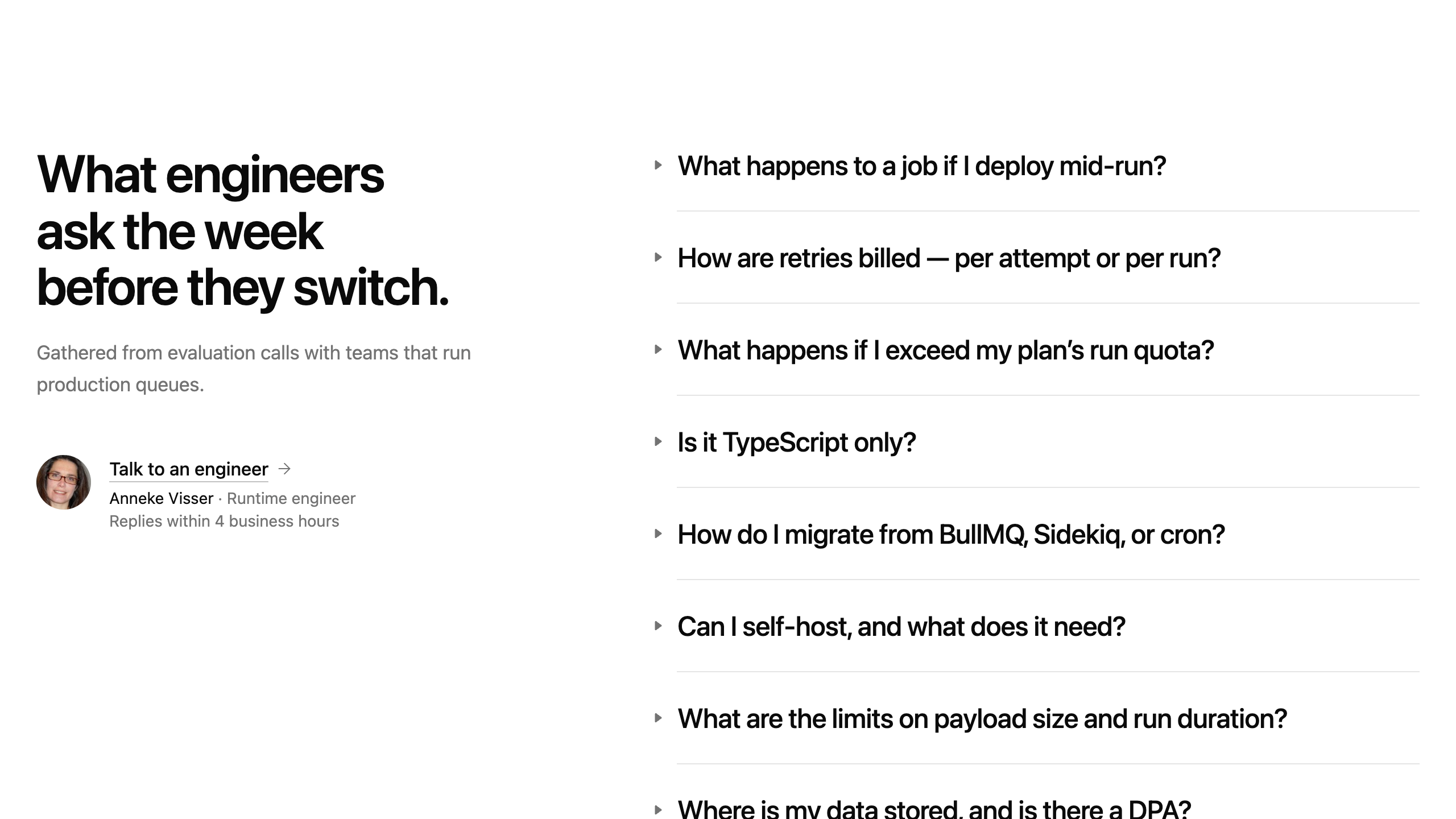
5 blocksQuestion-and-answer sections that clear the last objections before a visitor commits: search-first, topic-filtered, master/detail, and sticky-margin FAQs.
Hero
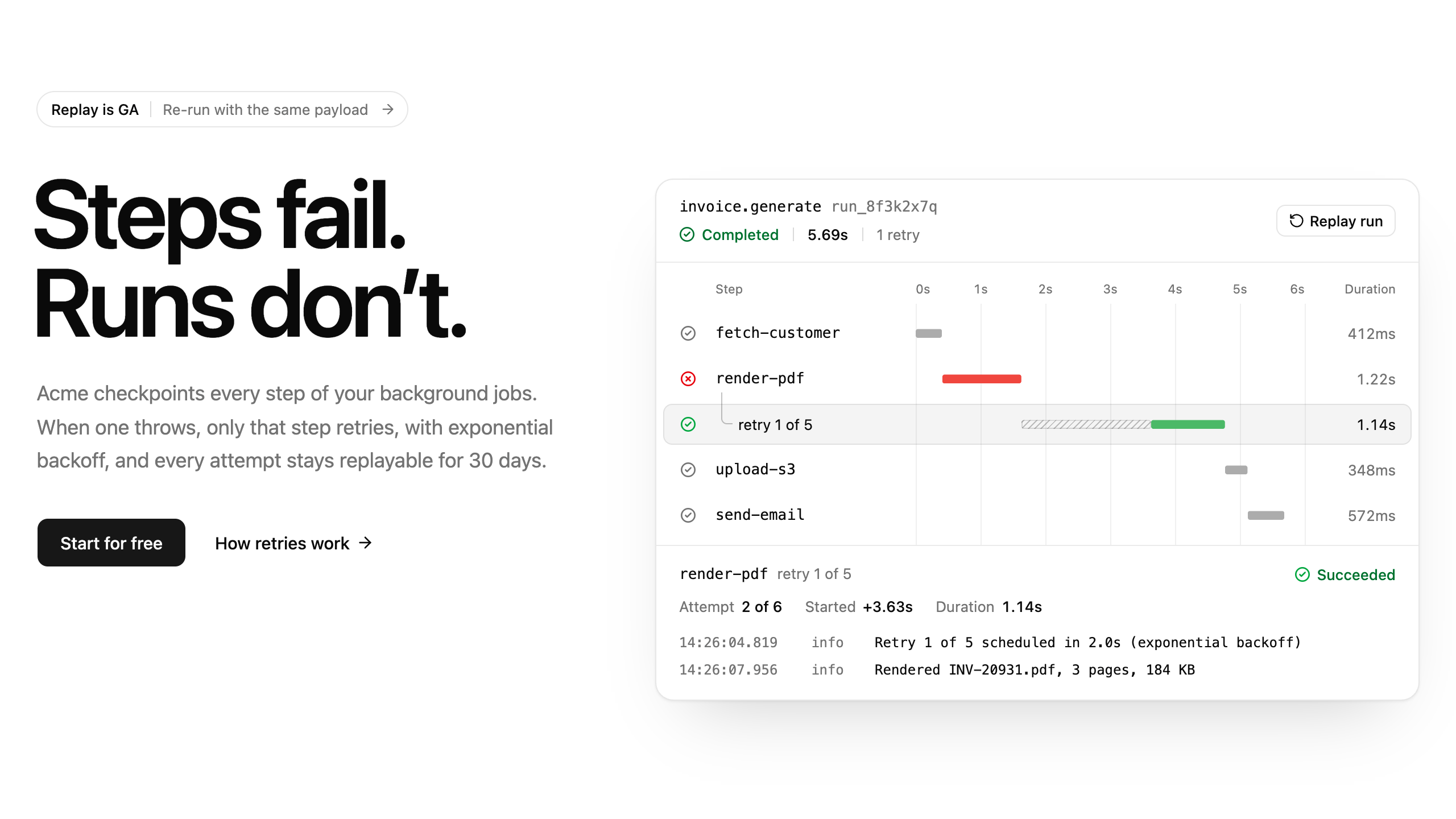
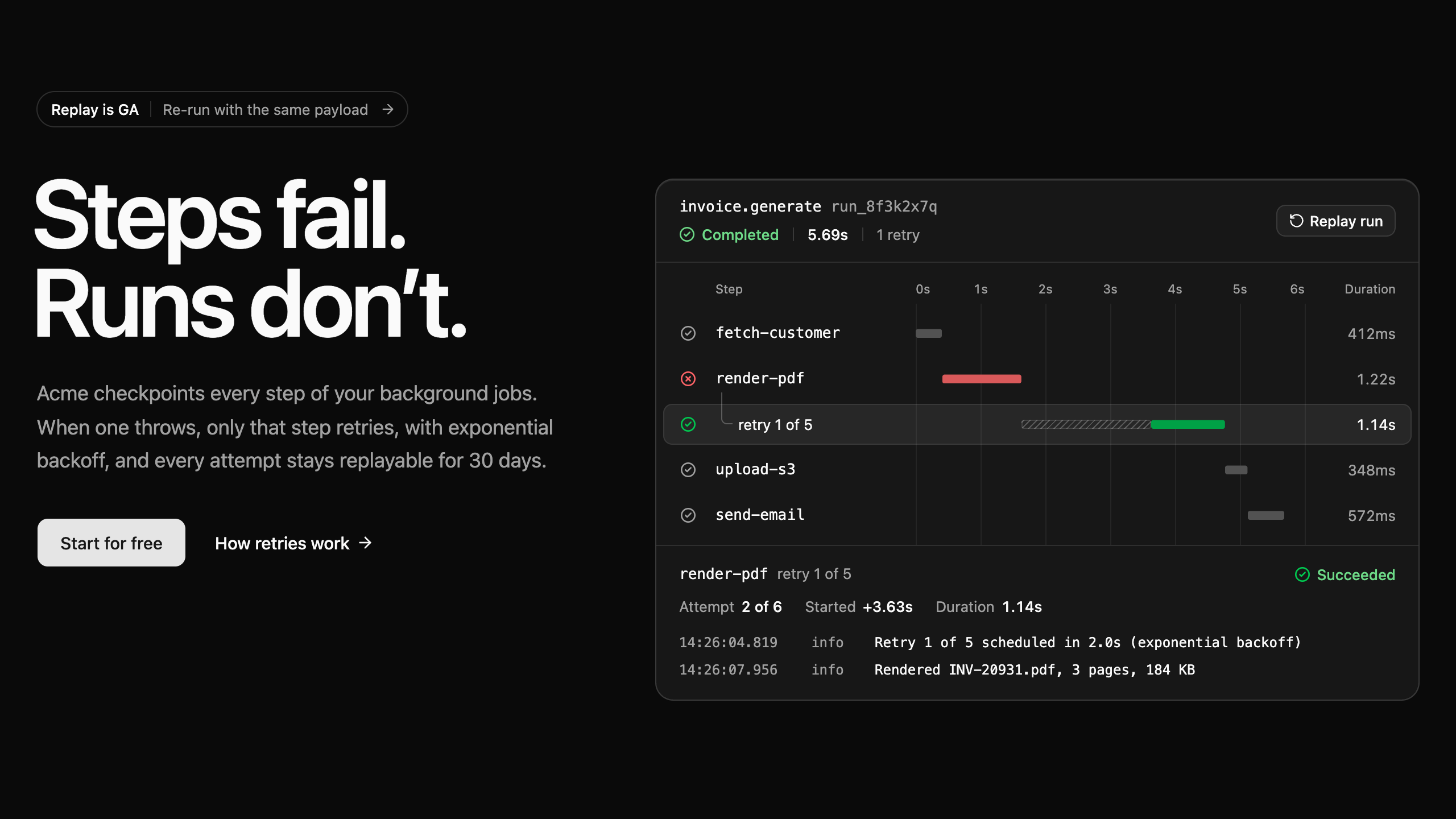
9 blocksOpening sections that state the offer and prove it in the first viewport: typographic claims, install commands, live product demos, and customer proof.
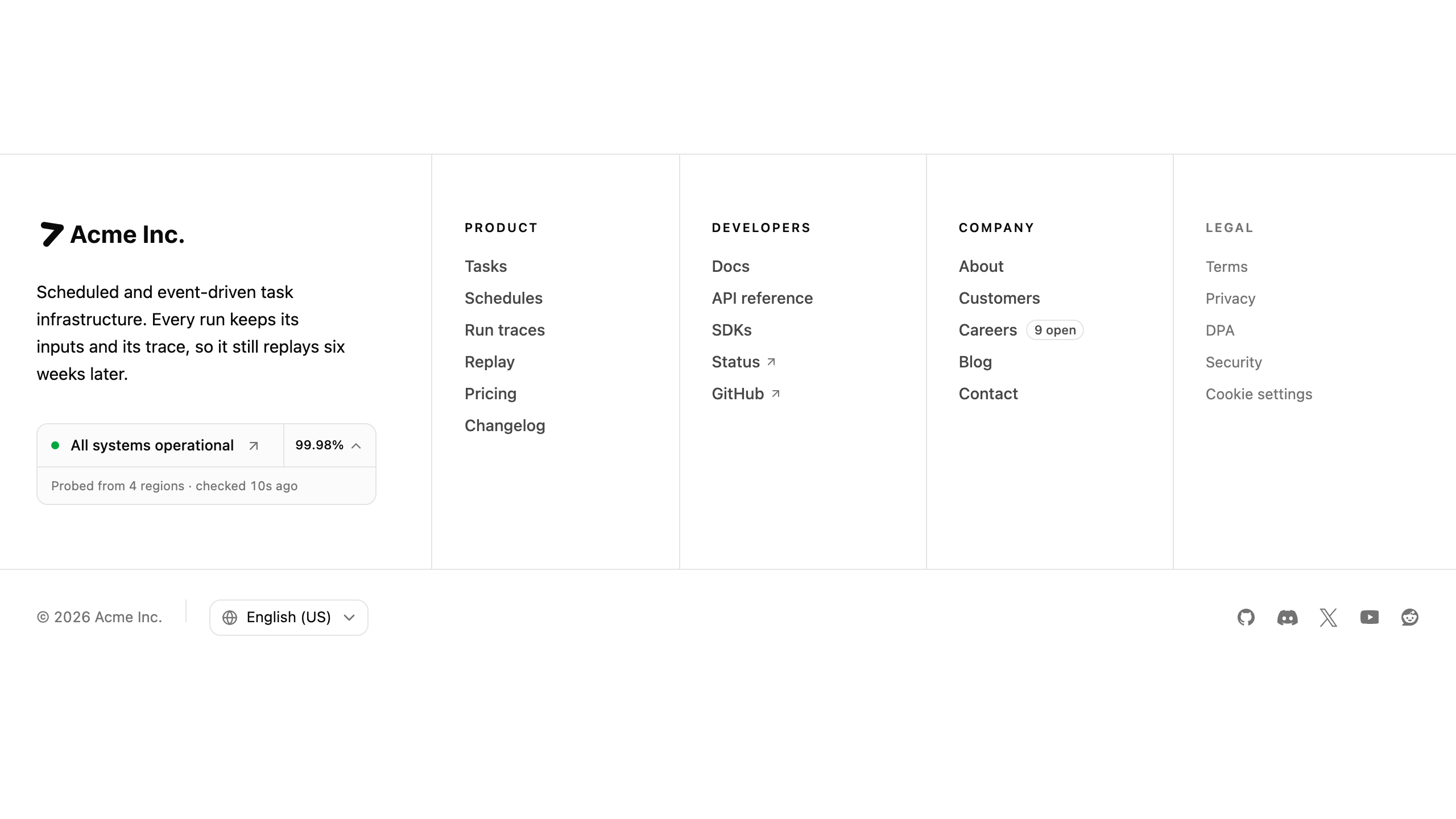
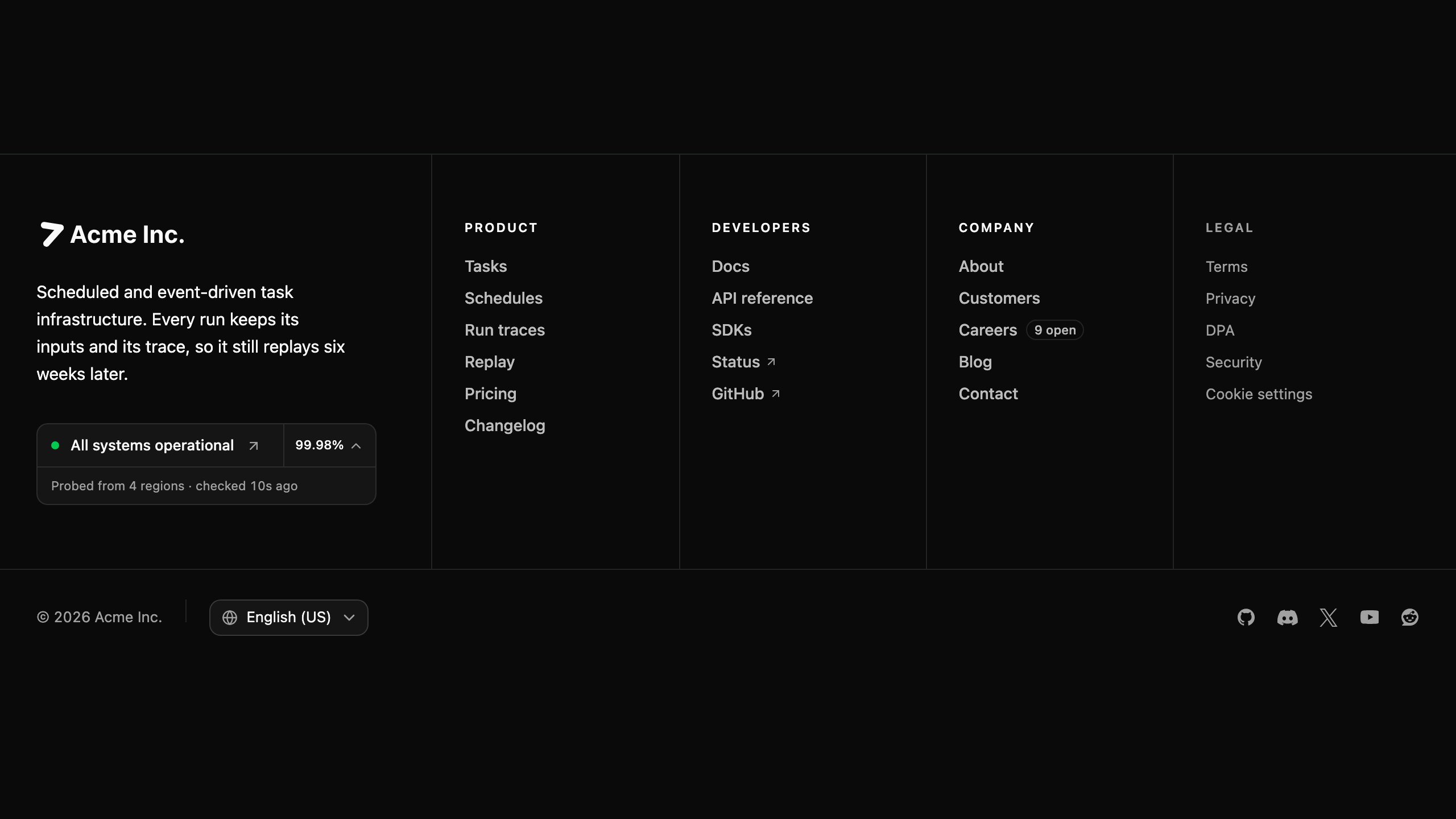
Footer
5 blocksPage-ending surfaces that carry wayfinding, trust signals, and the legal record: link directories, status lines, changelog signup, and search-first footers.
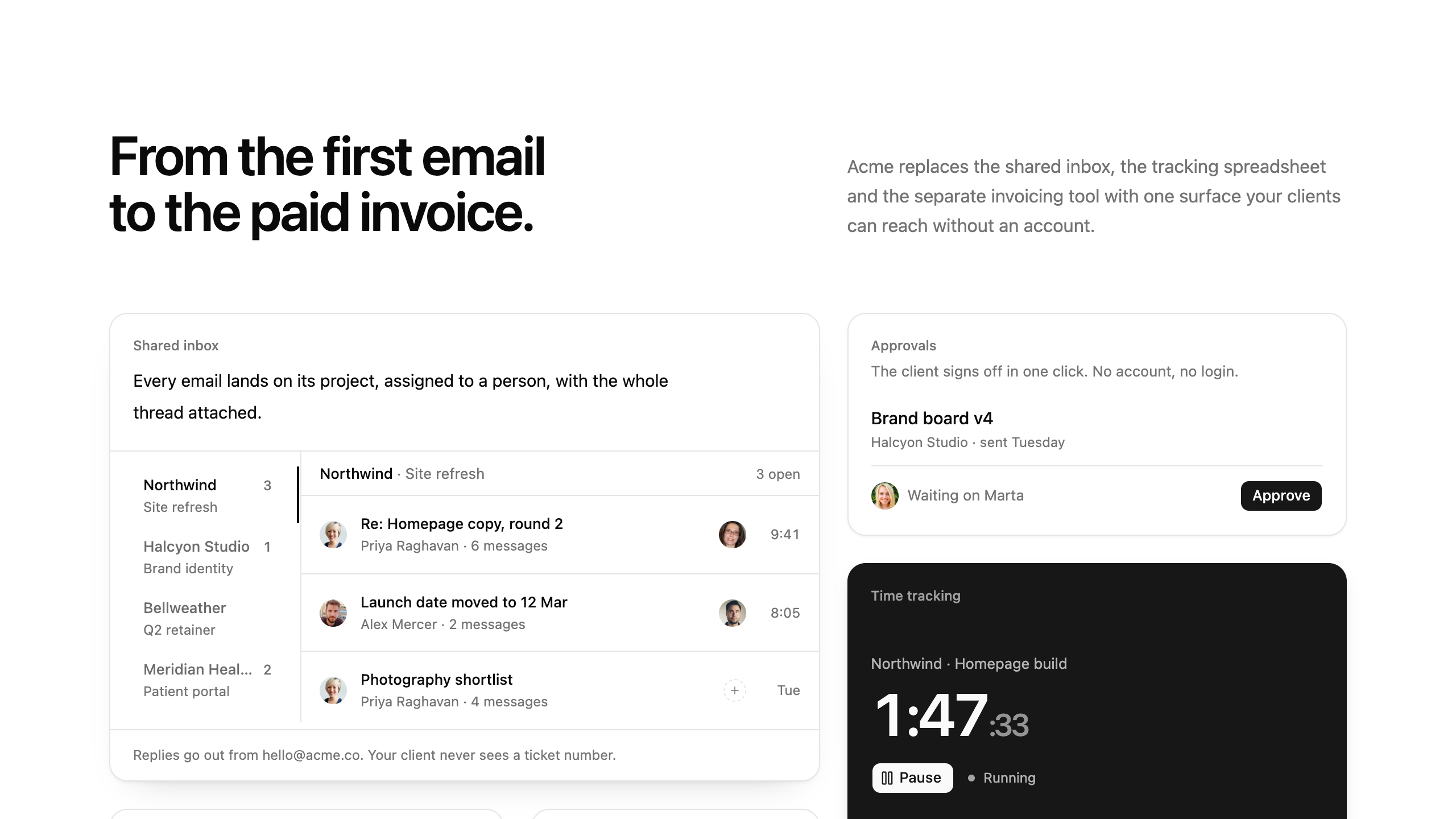
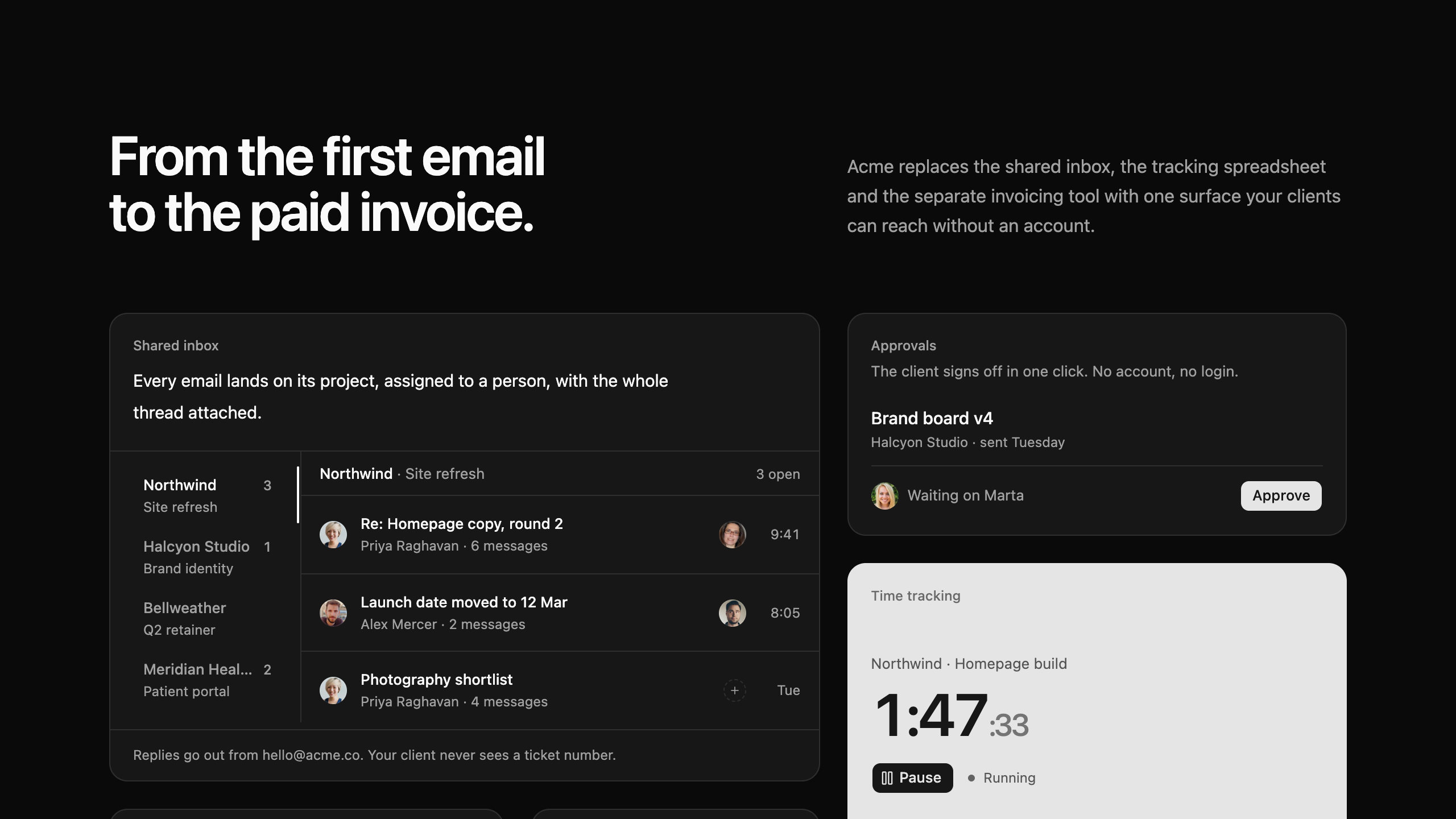
Feature
5 blocksCapability sections that answer what the product actually does, and show it working: alternating showcases, bento walls, reference tables, and timelines.
Contact
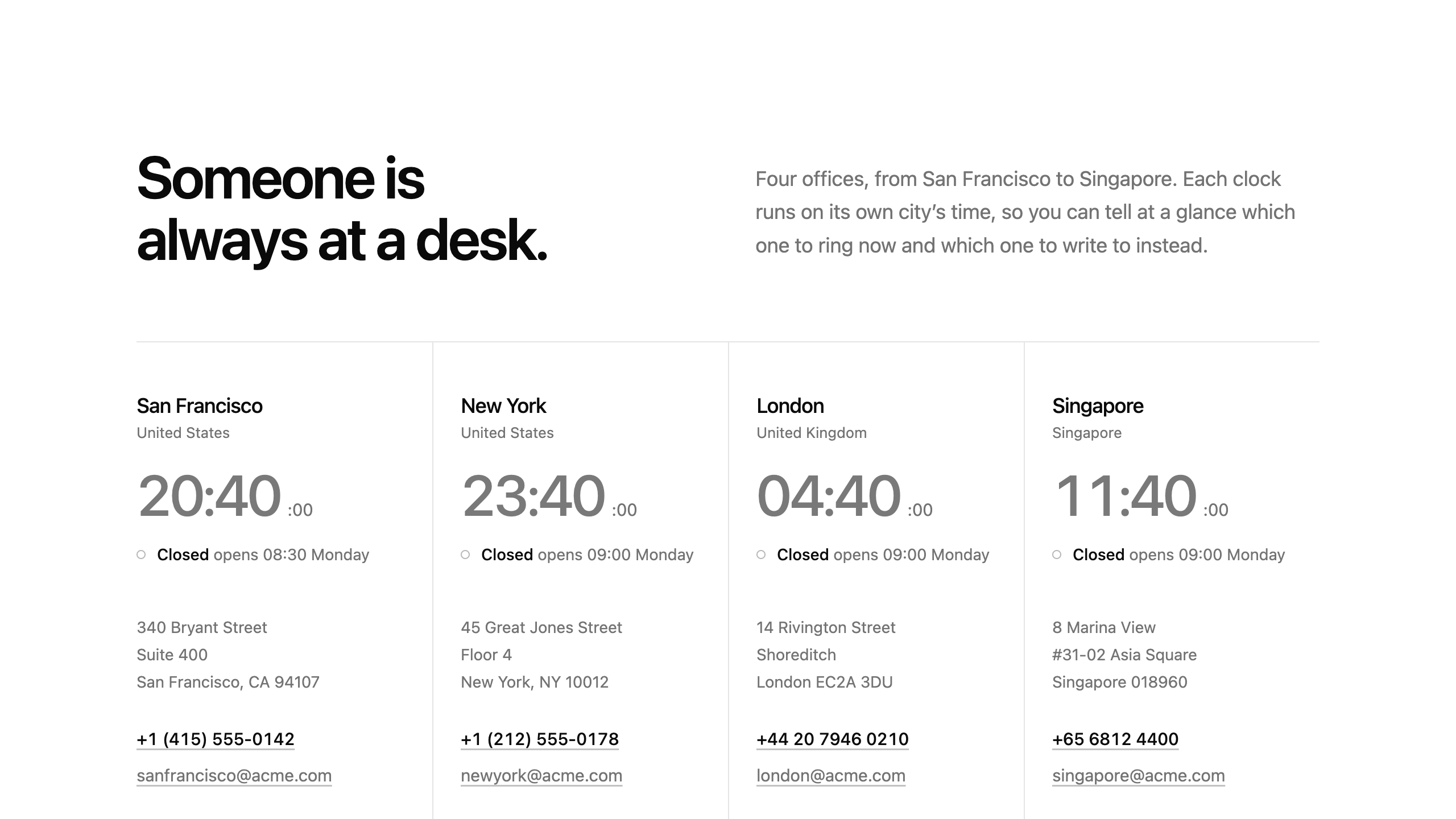
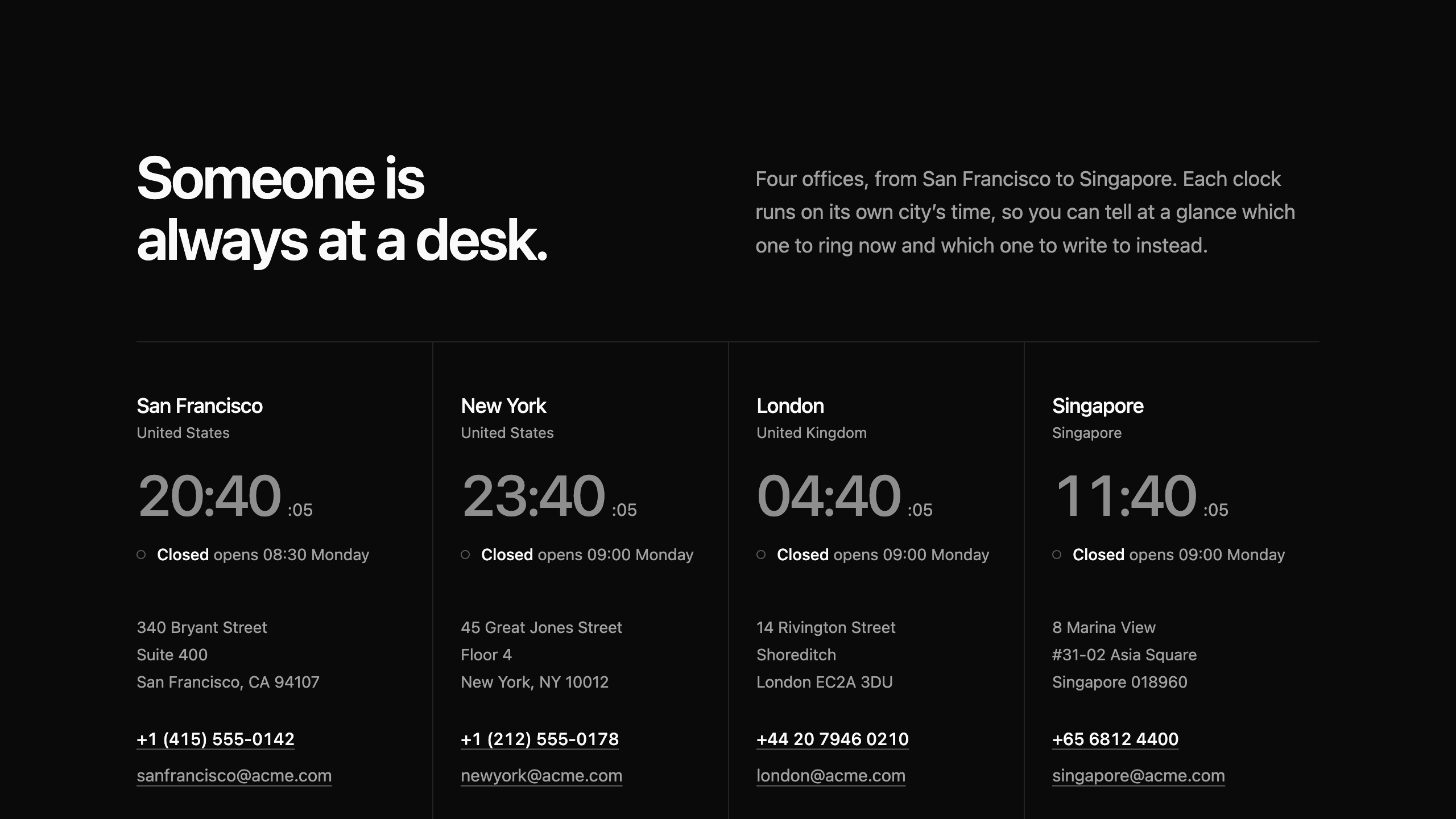
5 blocksSections that open a conversation — a form, a routed desk, an office, or a door to walk through.
Header
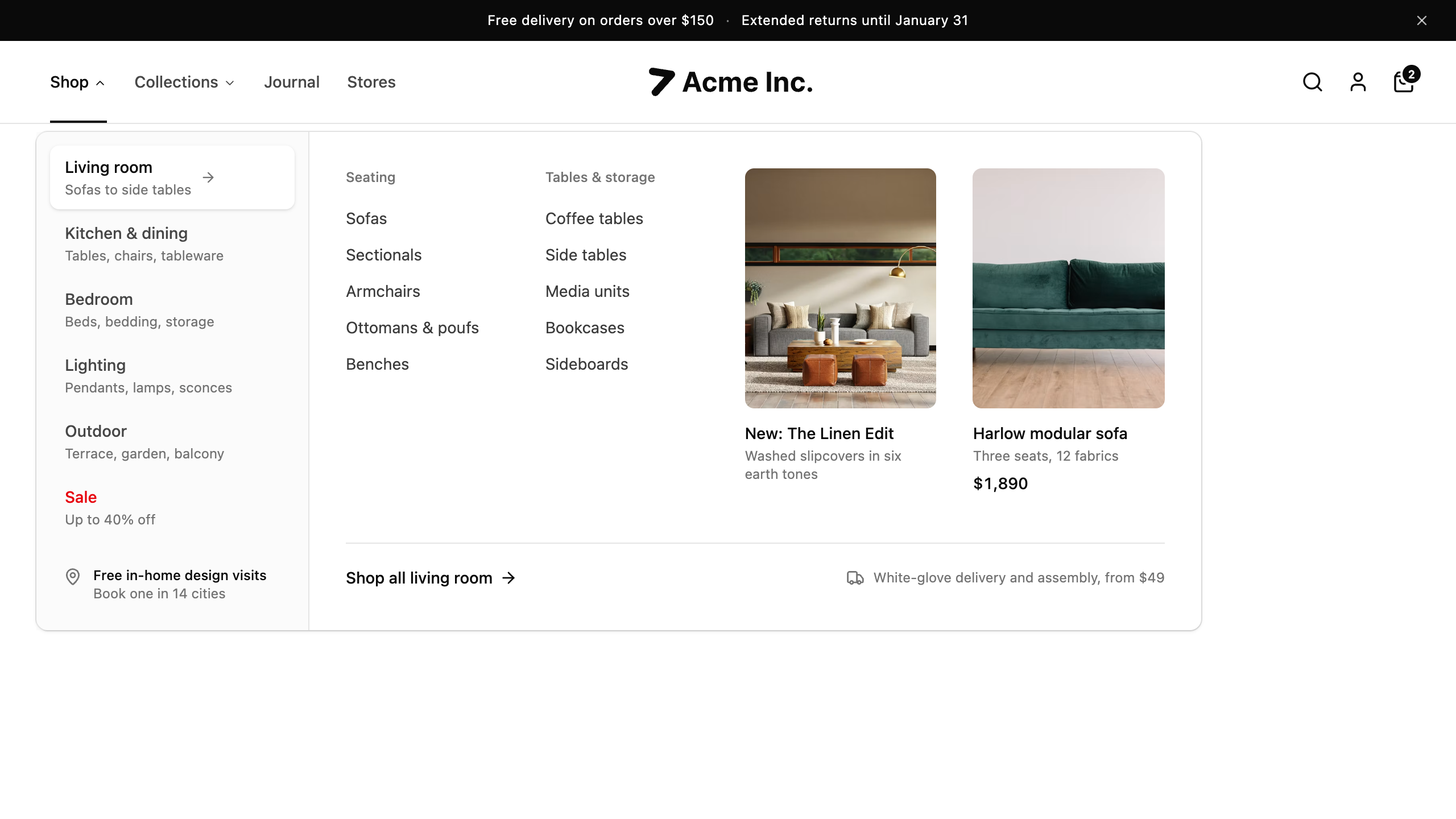
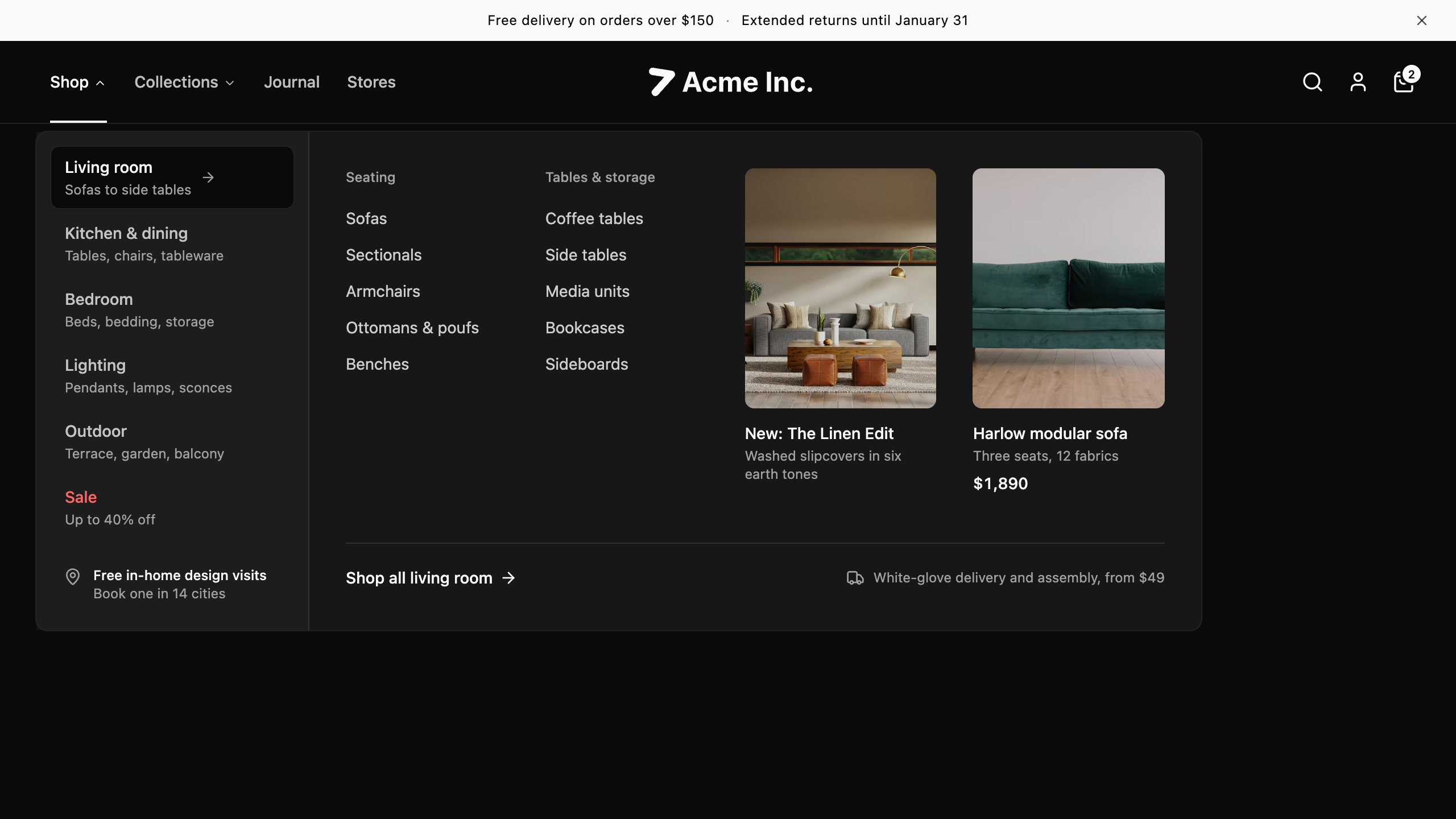
6 blocksTop-of-page navigation that carries the brand, the menus a visitor browses, and the next step to take.
Blocks for assistants, agent runs, and the surfaces around a model: chat layouts with history, run steps, sources, and a panel for the details.
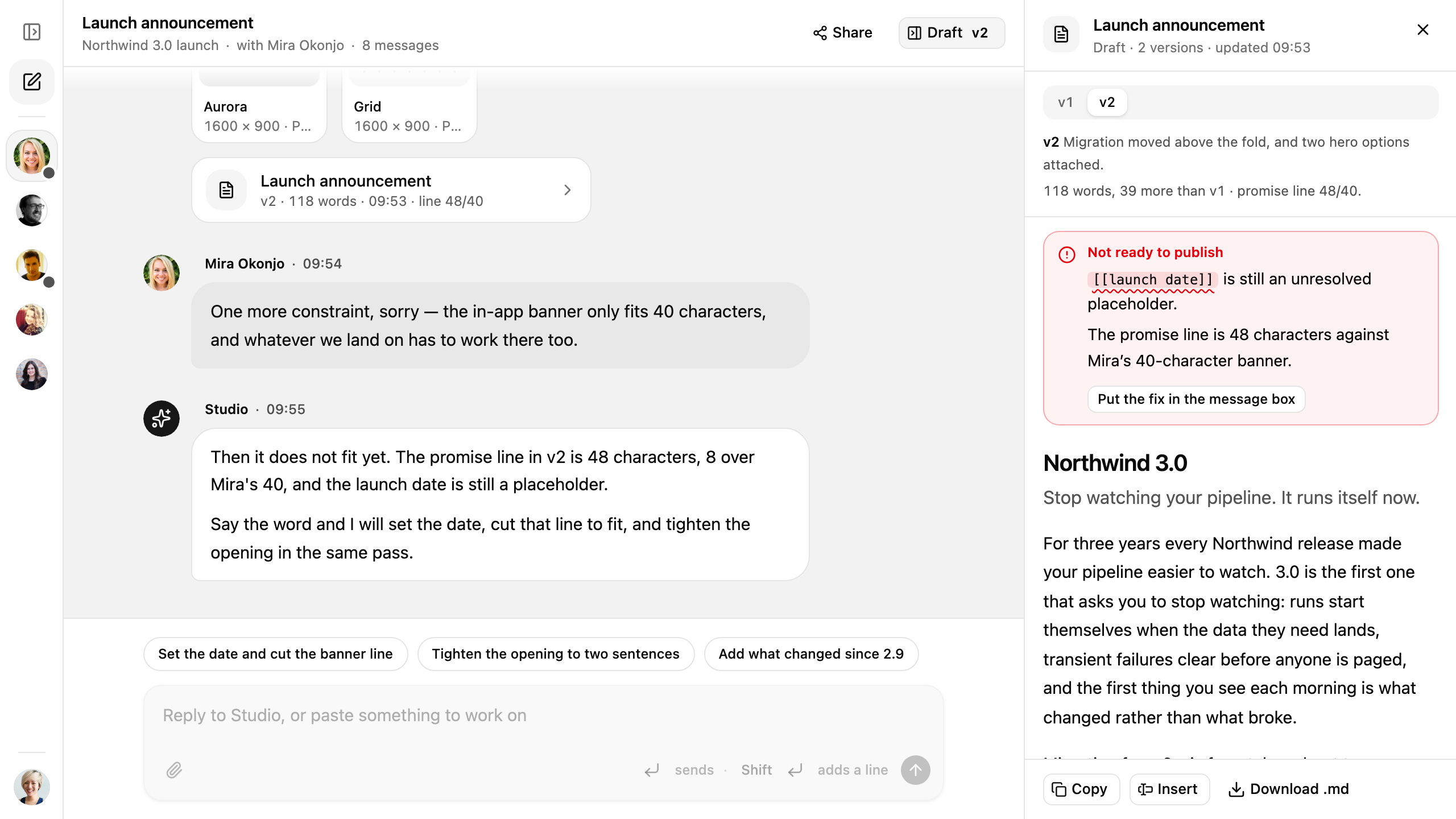
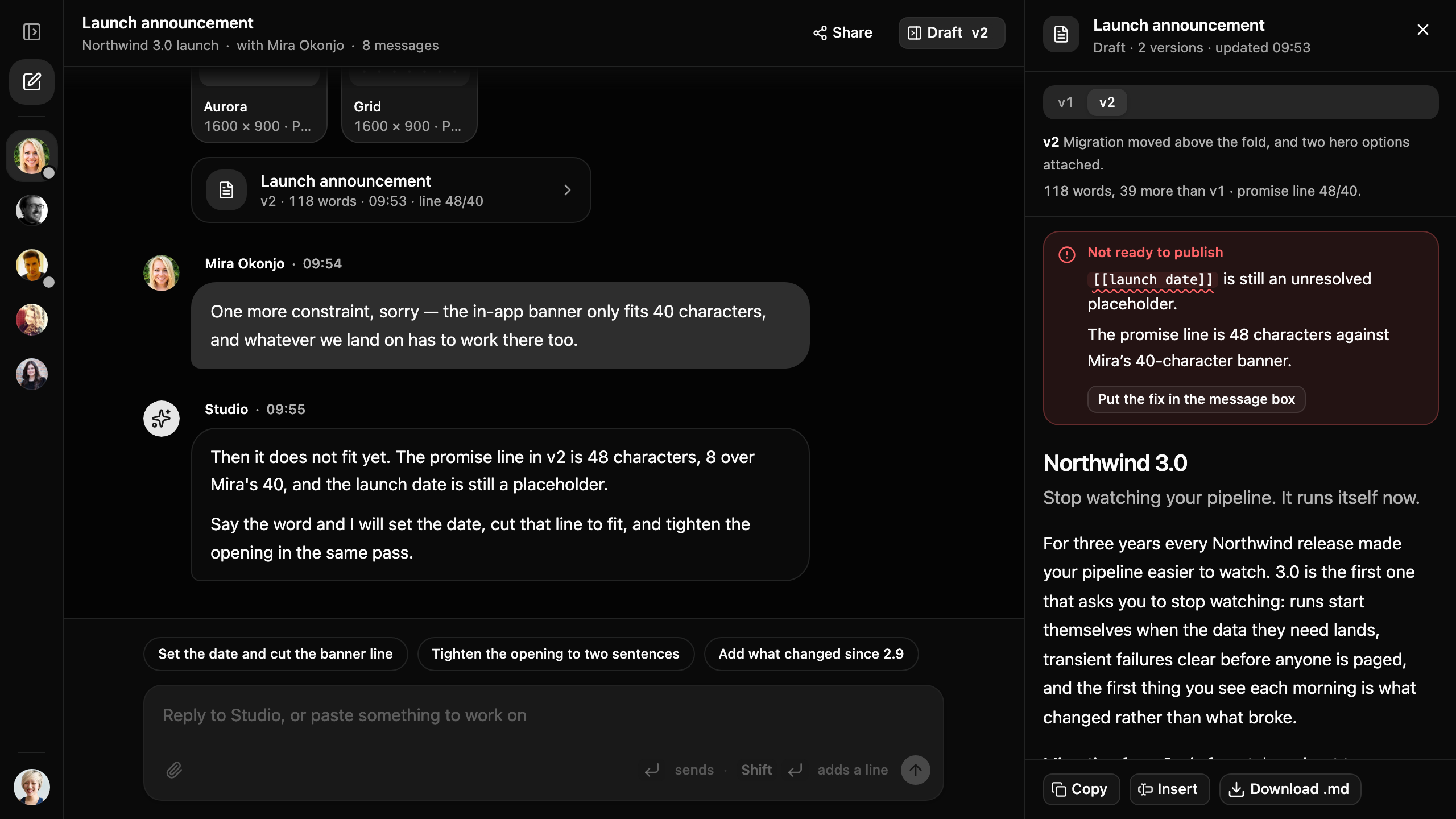
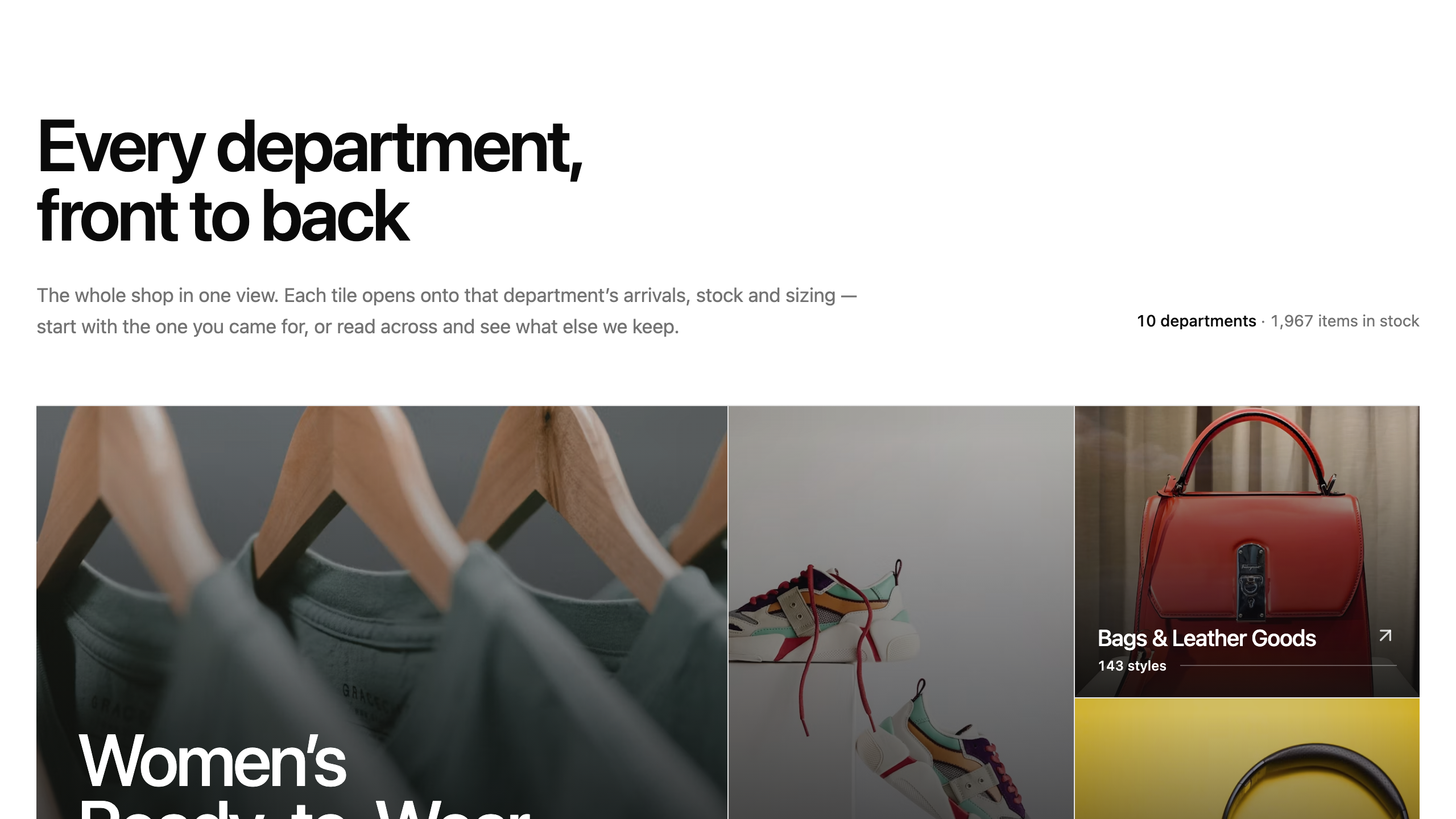
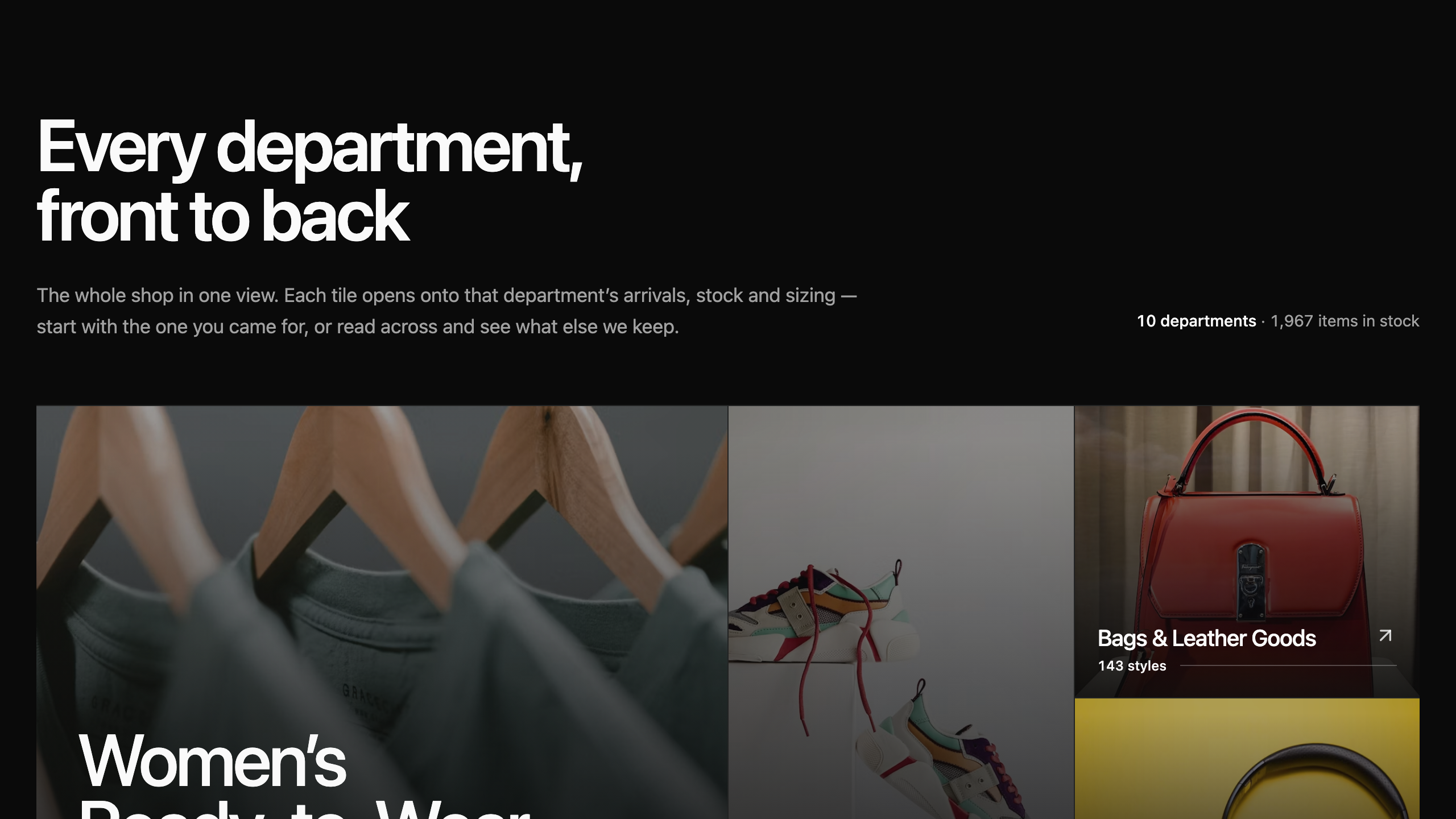
Blocks for storefronts — browsing, choosing, and buying: department and category indexes, product detail pages, and discount code offers.
Product Category
10 blocksCategory indexes that show a shop's departments and route a browser into one: ruled contents pages, photo mosaics, filter toolbars, and department rails.
Product Detail
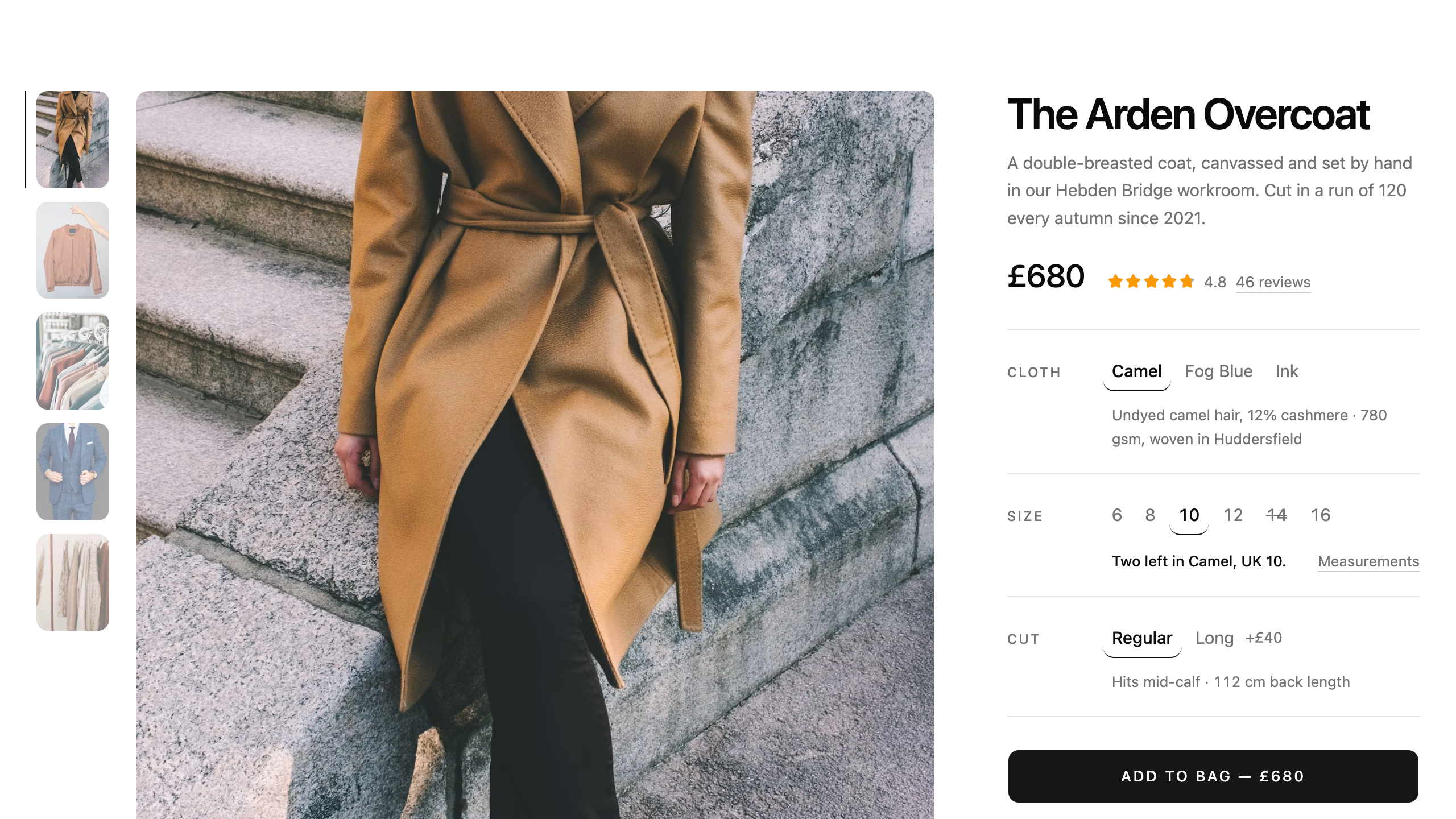
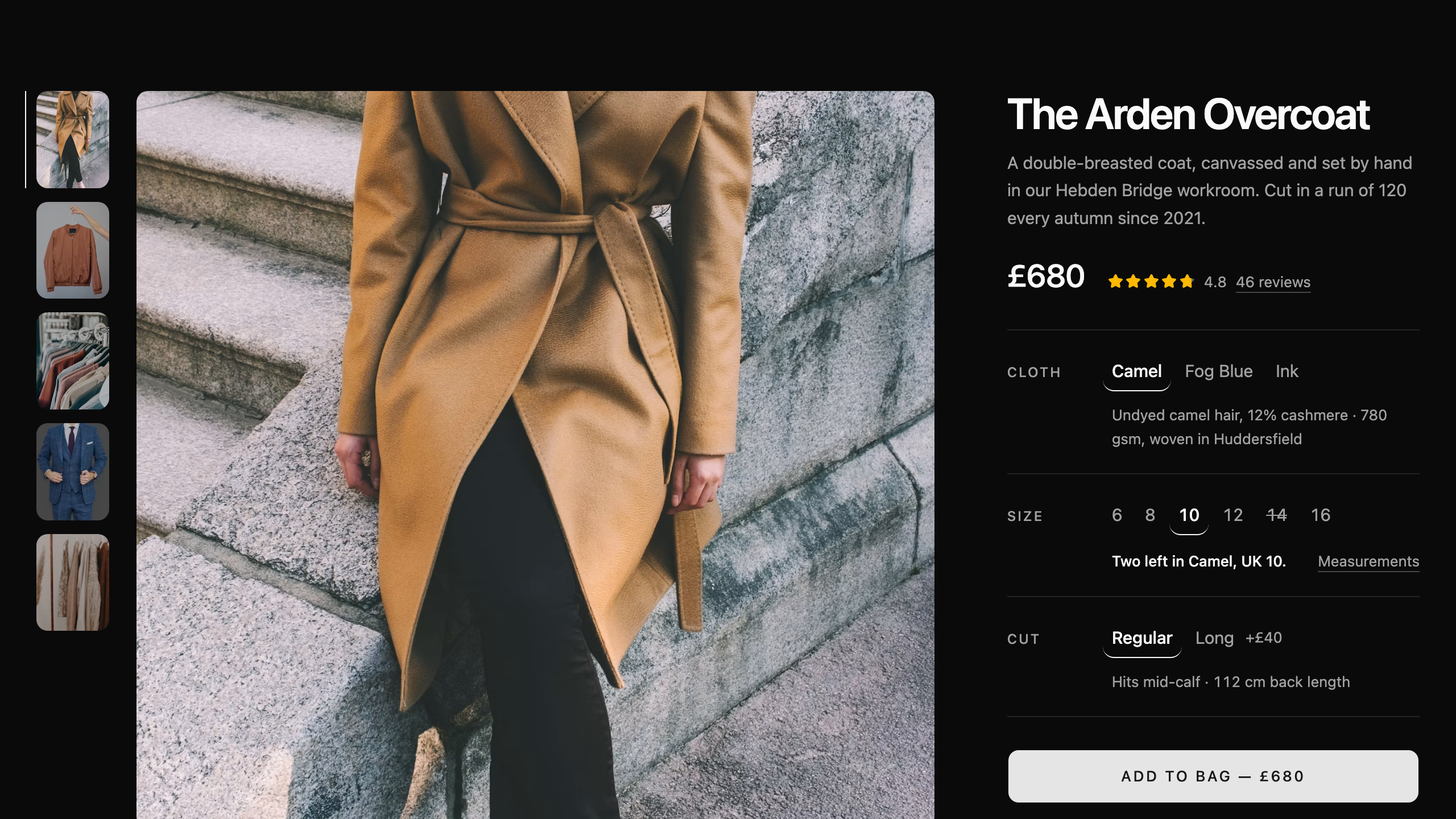
7 blocksThe page a shopper decides on: photography, the variant they pick, the detail they check, and the proof they read before buying.
Coupon
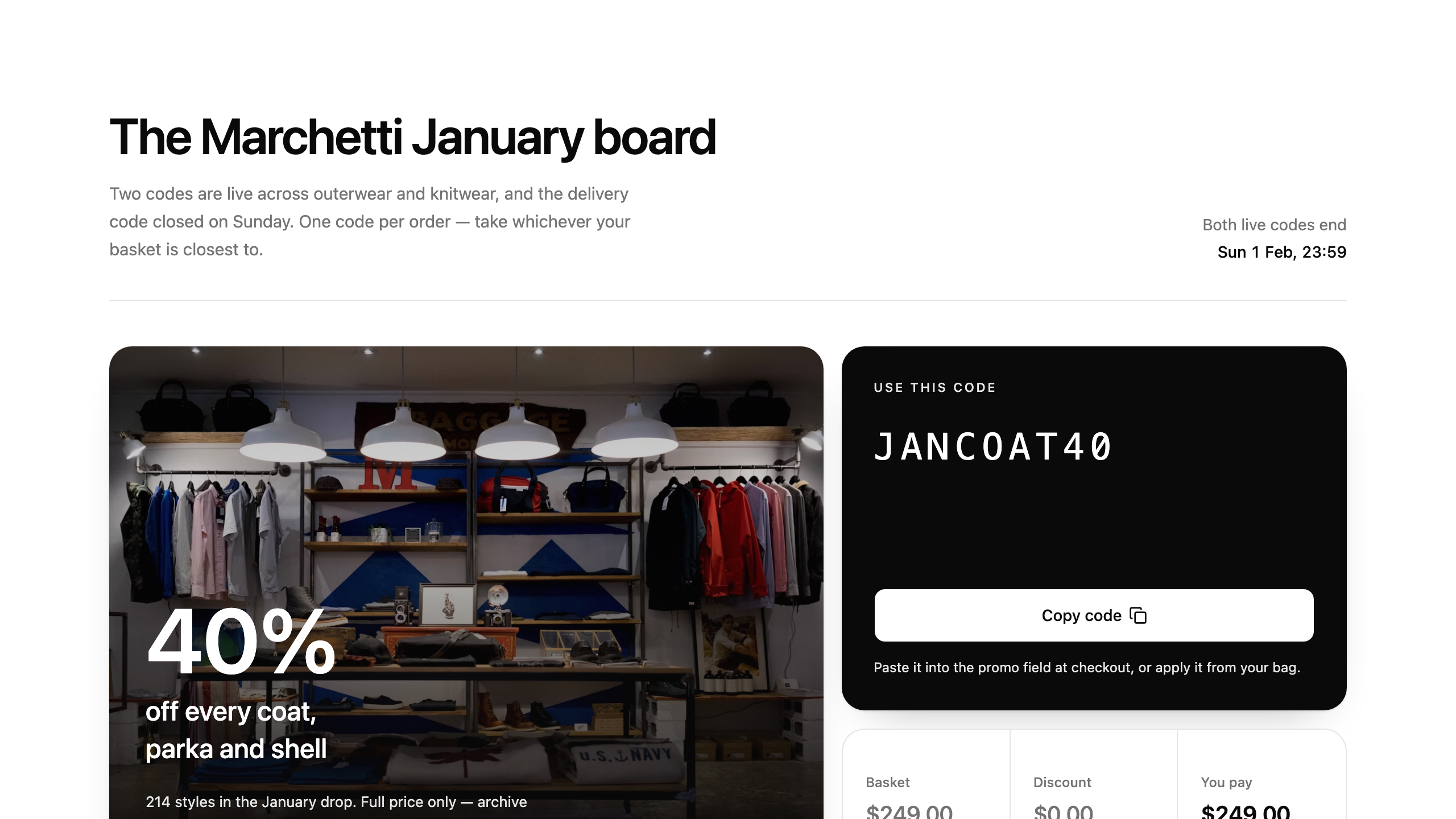
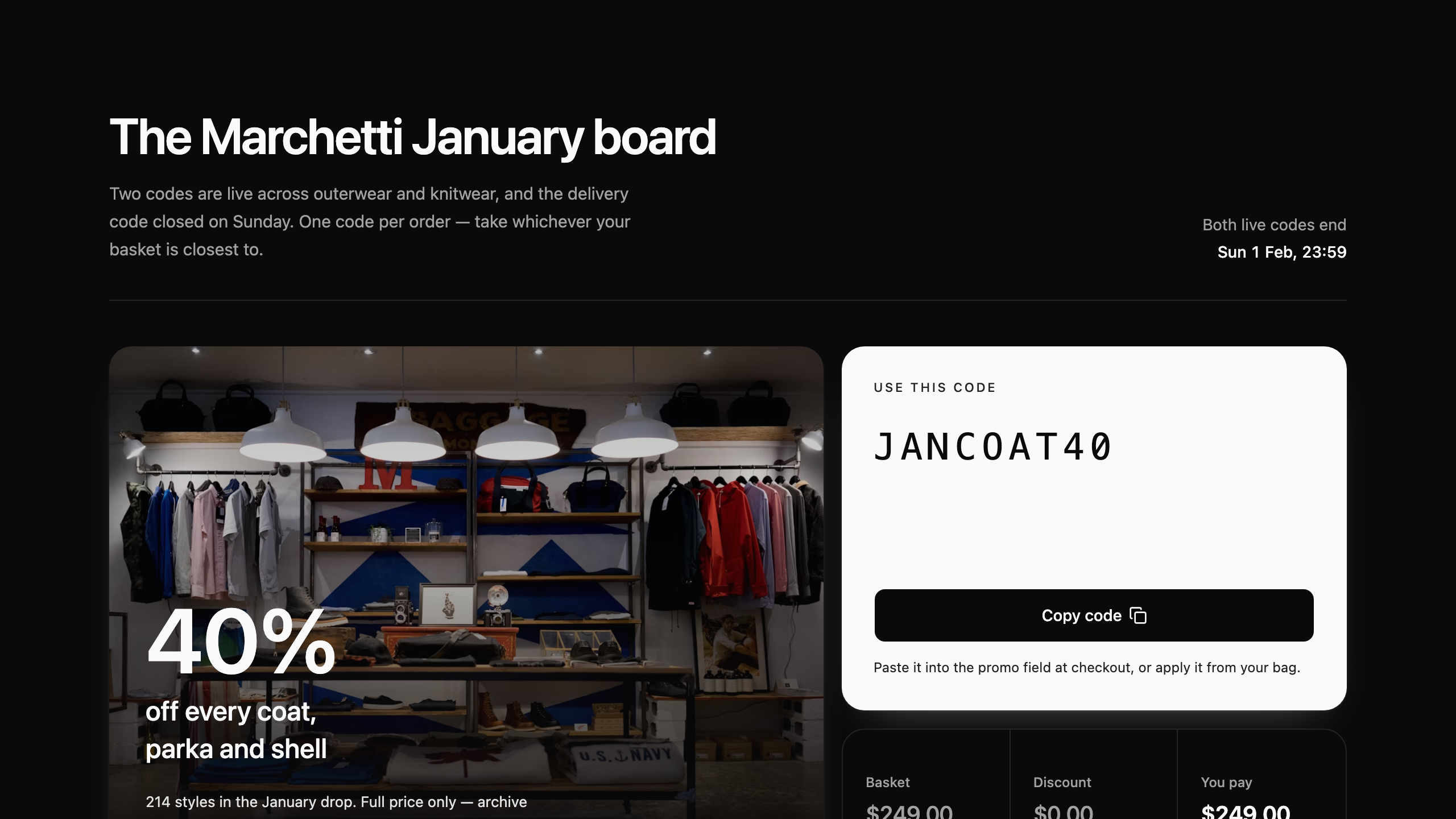
10 blocksDiscount codes on offer — cards, banners, strips and sections that hand a shopper a code: promo fields, code directories, flash sales, and scratch-off cards.